Coffee Maker Not Getting Hot: Causes and Next Steps
Disclosure: We may earn a commission when you buy through links on this page, at no extra cost to you. As an Amazon Associate I earn from qualifying purchases. Learn more
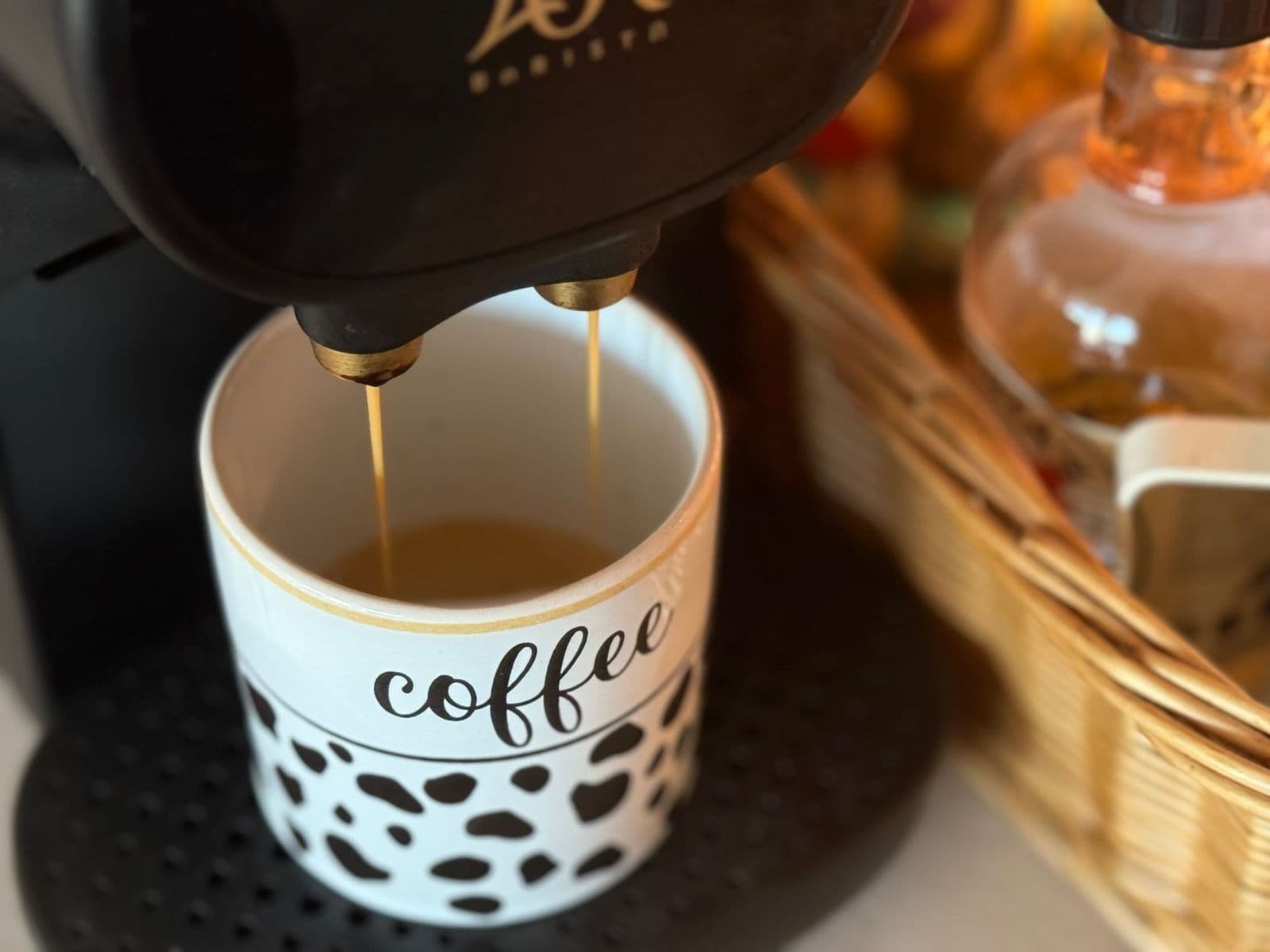
Coffee maker not getting hot: safe checks for settings, seating and scale, plus clear signs that it is time to contact support.
A coffee maker not getting hot is frustrating, but the cause is often simpler than a failed heater. Coffee can seem lukewarm because of a cold mug, a small batch, a warming plate setting, mineral scale or a mode you didn't mean to select. This guide walks through safe checks for drip, pod and espresso style machines, in the order that solves the most problems with the least risk.
Start with the safety checks below, then separate brewing temperature from drinking temperature before you decide whether the machine needs descaling or a call to support.
Start Here: Safe Checks and the Main Next Step
If you see a damaged cord, smell burning, see smoke, notice water near the base or electrical parts, or the machine trips a breaker, unplug it and stop. Don't keep resetting it; contact the manufacturer. Never open the housing to inspect the heater.
If none of those apply, the main next step is quick: unplug the machine for a minute, plug it straight into a wall outlet, and brew a cup of plain hot water into a preheated mug. Note whether the water itself comes out hot, warm or cold, and whether the machine shows any light or message. That one observation tells you which section below to read first.
Brew Temperature vs Drink Temperature
When It Happens
Timing points to the cause. If coffee is lukewarm from the first sip, look at brewing, scale or settings. If it starts hot but cools quickly, look at the carafe, warming plate or mug. If it was fine yesterday and cool today, think about what changed: a descale, a power cut, a new mode or a move to another outlet.
Also note whether the problem affects every drink or only some. A machine that makes hot espresso but lukewarm long coffee, or hot single cups but a cool full pot, is telling you something different from one that never heats at all.
What You Can Observe
Without special tools, you can still observe a lot. Does steam rise from the brew basket or spout? Does the warming plate feel warm after a few minutes (carefully, without touching the plate directly)? Does a hot water button, if your machine has one, deliver hot water?
Do display lights come on as normal? Write these down; support will ask the same questions.
Brewing time is another clue. If a full pot takes noticeably longer than it used to, or the machine sputters and gurgles more, mineral scale or a partial blockage is likely slowing water through the heater.
What It Does Not Prove
Lukewarm coffee doesn't prove the heater has failed. A cold ceramic mug, milk straight from the fridge or a small batch in a large carafe can all drop the temperature in the cup. On the other hand, one hot cup doesn't prove everything is fine if the problem comes and goes. Treat each observation as a clue, not a verdict.
External Checks Before Any Cleaning Cycle
Power and Correct Assembly
Plug the machine directly into a wall outlet rather than an extension cord or power strip, which can limit power on some circuits. Confirm the outlet works with another small appliance. Check that the carafe, brew basket, water tank and drip tray are seated exactly as your manual shows, because some machines limit heating or pause when a part isn't detected. Close the lid fully.
Check the cord and plug for damage while you're there, and make sure the cord isn't pinched under the machine or wrapped tightly. If the outlet is on a circuit shared with other heating appliances, such as a toaster or kettle running at the same time, try the coffee maker on its own.
Coffee, Water, and Mode
Fill the reservoir to the correct level; very low water can affect heating on some models. Check the mode: iced, cold brew or over-ice settings deliberately brew cooler or more concentrated coffee, and some machines also offer temperature settings that may have been changed. On drip makers with a 1 to 4 cup setting, using it for a full pot, or skipping it for a tiny batch, can change how hot the coffee seems.
If you recently started using a different water source, such as a pitcher filter or bottled water, keep using the same one while you troubleshoot so you're comparing like with like. Very cold water straight from the fridge can also make the first cup a little cooler on some machines.
User-Accessible Components
Look at the parts your manual lets you remove. A thermal carafe left unheated will cool coffee faster; rinsing it with hot water first helps. On glass carafe models, check whether the warming plate has a low, medium or high setting and an auto-off timer that may have switched it off. Single serve machines may have a water filter that, if clogged or wrongly seated, affects flow and temperature.
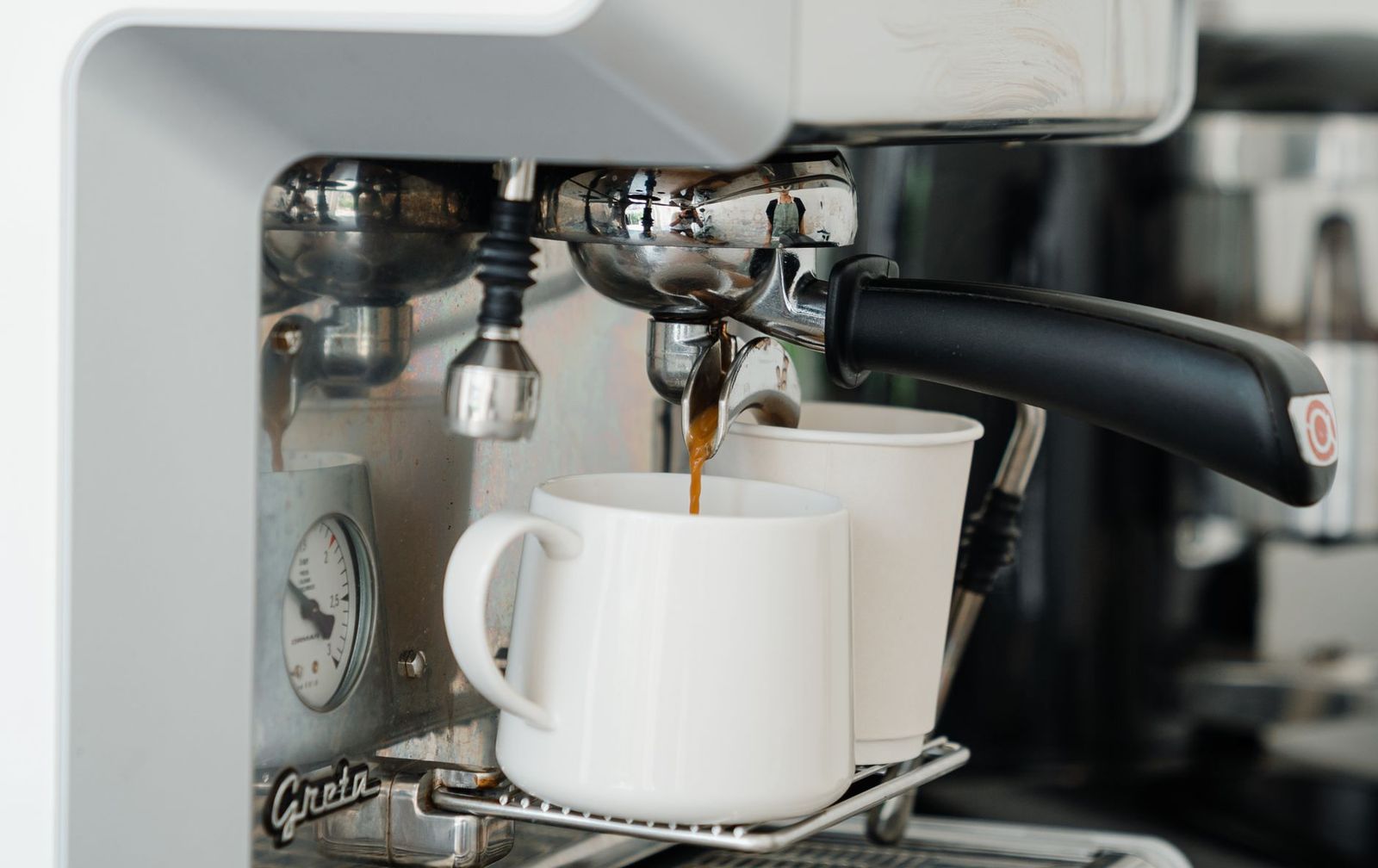
Espresso machines deserve one extra check: many need a warm-up period before the first shot, and cups taken straight from the cupboard cool a small espresso very quickly. Let the machine finish heating as your manual describes, and use the cup warmer if it has one.
Coffee Maker Not Getting Hot: Possible Causes and Manual-Approved Checks
Input or Setting Mismatch
Many temperature complaints come from settings rather than faults. Iced or cold modes, a low warming plate setting, an energy saving mode or an auto-off timer can all make coffee cooler than expected. Some single serve and espresso machines let you adjust brew temperature in a menu or app, and a reset or update may have changed it.
Check your manual for every setting that affects temperature and restore the default. Then brew a full cup or batch into a preheated mug and compare. Also look at how you serve: cold milk or creamer can lower a cup's temperature noticeably, and a large ceramic mug straight from the cupboard absorbs heat. Preheating the mug with hot water is a quick, free way to see whether the machine is really at fault.
Accessible Residue or Incorrect Seating
Coffee oils and grounds can build up in the brew basket, showerhead area and spout, which can slow flow and affect how evenly water passes through. Clean the parts your manual identifies as removable, using the method it describes, and check that gaskets and seals are seated properly.
A carafe that isn't centered on the warming plate, or a thermal carafe lid that isn't closed, will let coffee cool faster. On espresso machines, a portafilter that isn't locked in or a drip tray that isn't fully inserted can stop the machine from operating normally. Reassemble everything carefully and run a plain water cycle before brewing coffee again. Our coffee maker maintenance guide covers routine cleaning in more detail.
Maintenance State
Mineral scale is one of the most common reasons a coffee maker stops getting hot enough. Scale builds up on internal heating surfaces as hard water is heated, which can reduce how efficiently heat reaches the water and slow the brew. Signs include slower brewing, louder gurgling, white deposits around the spout or tank, or a descale light.
If your machine shows a descale alert or it has been a long time since the last descale, follow your manual's descaling procedure with the product it names. Use vinegar only if your manual approves it.
Follow the rinse steps fully before brewing again. Our guide on how to descale a coffee maker explains the general process, but your manual's steps take priority. If you use a water filter, replace it on schedule.
After descaling, run the number of fresh water rinse cycles your manual calls for, then brew plain hot water into a preheated mug again. If the temperature improves, scale was at least part of the problem, and setting a regular descaling reminder will help keep it from returning.
When the Cause May Need Service
If plain water still comes out cool after you've checked settings, cleaned removable parts and completed a descale, the problem may be internal. Heating elements, thermostats, thermal fuses and sensors are not user-serviceable parts, and checking or replacing them involves opening the housing, which can be dangerous and may void the warranty.
Other signs that point to service include a warming plate that never warms, a machine that heats then shuts off unexpectedly, error codes your manual says require support, or a breaker that trips when the machine heats. At this point, stop troubleshooting and contact the manufacturer or an authorized service center. Note your model number, when the problem started and what you've already tried.
Model-Specific Alerts and Next Steps
Different machines signal temperature problems in different ways. Drip makers may simply brew lukewarm coffee without any warning, while single serve and espresso machines often show a flashing light, a descale icon or an error code. Your manual's troubleshooting table is the authority on what each signal means.
Look up the exact light pattern or code for your model number, not a similar model, because the same symbol can mean different things across brands and generations. If the alert relates to descaling, follow that procedure; if it relates to a sensor or internal fault, the manual will usually tell you to contact support. For a broader overview of symptoms, see our coffee maker troubleshooting hub.
If you can't find a paper manual, most manufacturers publish manuals on their support websites; search by the model number printed on the label under or behind the machine. Some machines also show a QR code or support link on the label. Keep a digital copy, because the troubleshooting table and descaling steps are the parts you'll need most.
When to Contact Support or Consider Replacement
Contact the manufacturer if the machine is under warranty and still runs cool after the checks above, if your manual says an alert requires service, or if you notice any electrical warning signs such as burning smells, tripped breakers or a hot cord. Support can confirm whether a repair is covered.
Consider replacement when an out-of-warranty repair would cost a large share of a new machine, when the machine has other recurring problems such as leaks, or when replacement parts are no longer available. Inexpensive drip makers are rarely worth professional repair, while premium espresso machines often are. Whatever you decide, don't attempt internal repairs yourself.
Before you contact support, gather your receipt or order details, the model and serial numbers from the label, and a short note of the symptom and steps you've already taken. A short video of the machine brewing can help support see the problem, especially if lights flash or the brew stops partway.
Preventing the Same Issue
Descale on the schedule your manual sets for your water hardness, and sooner if brewing slows. Use filtered water if your manual recommends it and replace filters on time. Clean removable parts regularly, preheat mugs and thermal carafes, and check settings after power cuts or updates.
A simple habit is to note the date of each descale on a sticky label inside a cupboard door. When brewing slows or coffee starts to cool, you'll know at a glance whether scale is a likely cause.
Frequently Asked Questions
Should I keep restarting the machine?
No. One restart after unplugging for a minute is reasonable, but repeated resets won't fix scale or an internal fault. If the machine still runs cool, move on to the checks above or contact support, and stop immediately if you notice any electrical warning signs.
Will descaling fix every symptom?
No. Descaling helps when mineral buildup is slowing heating, but it won't fix a wrong setting, a cold mug or an internal fault. Check settings and removable parts first, and follow your manual's descaling procedure only when it is due or indicated.
What information should I give manufacturer support?
Give your exact model number, purchase date, a description of the symptom and when it started, any lights or codes, and what you've tried, including the date of your last descale. Mention whether plain water also comes out cool, which helps them narrow the cause.
Your Next Step
If your coffee maker not getting hot problem started recently, begin with the plain hot water check into a preheated mug, then restore default settings and seat every part correctly. If that doesn't help, descale following your manual. If the water still comes out cool after that, stop and contact the manufacturer. Related guides cover a coffee maker not pumping water and a coffee maker not turning on.