How Often To Clean A Drip Coffee Maker: Practical Guide
Disclosure: We may earn a commission when you buy through links on this page, at no extra cost to you. As an Amazon Associate I earn from qualifying purchases. Learn more

How often to clean a drip coffee maker, layer by layer: daily rinsing, regular washing, descaling and filter changes for your model.
How often to clean a drip coffee maker depends on three different jobs: rinsing the parts that touch coffee after every brew, washing them properly through the week, and descaling the water path on a schedule set by your manual and your water hardness. Mixing these up is why many machines get either too little care or a harsh cleaning they didn't need.
This guide breaks the routine into those layers, shows how to build a schedule for your exact model, and explains how to adjust it for how much coffee you actually make.


How Often To Clean A Drip Coffee Maker: The Short Answer
Rinse the brew basket, filter and carafe after every use, and let them dry. Wash them thoroughly with warm, soapy water or in the dishwasher, if your manual allows it, a few times a week or whenever you see oily film. Descale when your machine's indicator comes on or on the interval your manual gives for your water hardness, and sooner if brewing slows. Replace charcoal water filters on the schedule in your manual.
What This Routine Covers
This routine applies to standard drip coffee makers with a carafe, including glass carafe models with a warming plate, thermal carafe models, and grind and brew drip machines. It covers the parts you can remove and wash, the hidden water path that collects mineral scale, and accessories such as permanent filters and charcoal water filters.
It doesn't replace your manual. Drip makers differ in which parts are dishwasher safe, whether they have a self-clean or descale function, and which cleaning products the maker approves. Where your manual gives specific steps or products, follow them. Single serve and espresso machines need their own routines, covered in our coffee maker maintenance guide.
Build a Model-Specific Maintenance Schedule
A good schedule starts with your manual and fills the gaps with simple habits. The table below shows a typical structure for a drip coffee maker; replace each entry with the interval or product your manual specifies.
| Task | Typical timing | What decides it |
|---|---|---|
| Discard grounds, rinse basket and carafe | After every brew | Daily habit |
| Wash basket, lid, carafe and permanent filter | A few times a week | How often you brew, visible oily film |
| Wipe warming plate and exterior | Weekly, when cool | Spills and drips |
| Check carafe, lid, filter and showerhead area | Every week or two | Wear and residue |
| Descale the water path | When the indicator lights or at the manual's interval | Water hardness and brew count |
| Replace charcoal water filter | At the manual's interval | Filter type and use |
After Use and Daily
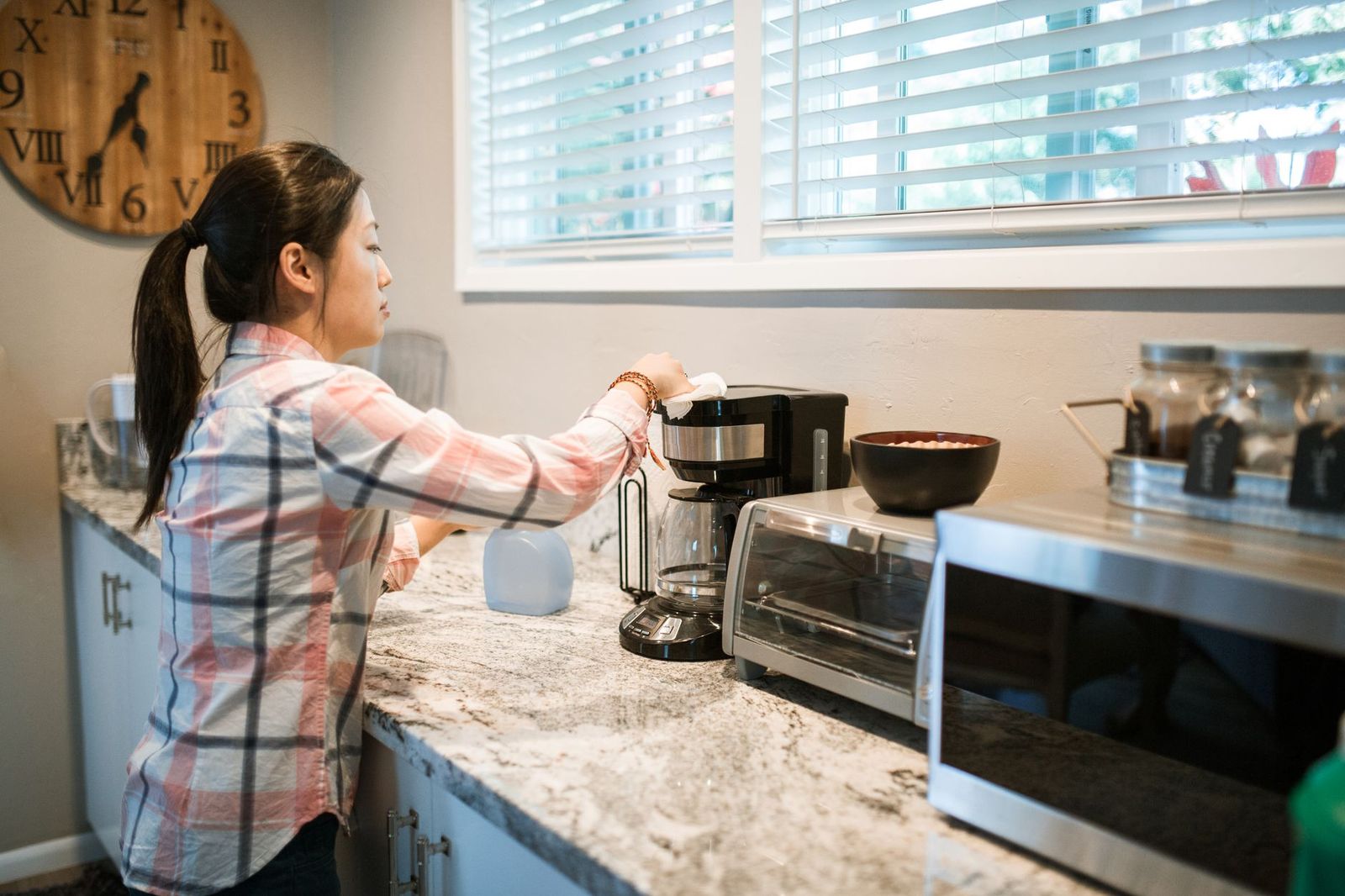
After each brew, let the machine cool, then discard the grounds and paper filter, or empty and rinse a permanent filter. Rinse the brew basket and carafe with warm water and leave them to air dry, with the lid open so the reservoir and basket area can dry too. Wipe drips from the warming plate once it's cool.
These few minutes stop coffee oils from building up and keep the machine from developing stale odors. Don't leave brewed coffee sitting in the carafe overnight; it stains the glass and leaves residue that takes longer to remove the next day.
When the Machine Prompts You
Many drip makers have a clean or descale indicator that lights after a set number of brews or when the machine detects slower heating. When it comes on, run the cleaning or descaling procedure in your manual with the product it names. If your machine has a self-clean function, use it as directed rather than improvising. Don't ignore the light; scale builds steadily and is easier to remove early.
Periodic Checks and Replacement
Every week or two, check the parts that wear: the carafe for chips or cracks, the lid and spout for residue, the permanent filter for tears, and the showerhead area under the lid for coffee buildup. If your model uses a charcoal water filter, note when it's due for replacement. Glass carafes and permanent filters are often sold separately, so replacing a worn part is usually better than living with it.
Recordkeeping
A simple record makes the schedule easy to follow. Write the date of each descale and filter change on a label inside a cupboard door or in a phone note. If brewing slows or coffee starts tasting off, a glance tells you whether maintenance is overdue. The record also helps if you ever need to contact support, who may ask when the machine was last descaled.
The Main Care Tasks
Removable Parts and Residue
Coffee contains oils that cling to plastic, glass and metal. Over time they turn rancid and give coffee a bitter, stale taste, and they can clog the holes in a permanent filter. Rinsing after each use removes most of it; regular washing with warm, soapy water removes the rest.
Check your manual before putting parts in the dishwasher. Many carafes, lids and brew baskets are top-rack safe, but some aren't, and thermal carafes usually need hand washing. A soft bottle brush helps clean inside thermal carafes and around carafe spouts.
For stubborn oily residue, use a coffee maker cleaner your manual approves, following its directions. Rinse everything thoroughly afterward so no cleaner taste carries into your coffee.
Coffee Path or Mineral Scale
The water path inside a drip maker, including the reservoir, heating element and showerhead, collects mineral scale from hard water. Scale slows brewing, lowers brewing temperature and can make the machine sputter. Descaling dissolves it.
Use the descaling product and procedure in your manual, and use vinegar only if your manual approves it. Many manuals give a descaling interval tied to water hardness and how often you brew, and often the soft water interval is much longer than the hard water one. If your manual doesn't specify, descale whenever brewing noticeably slows or white deposits appear.
After descaling, run the number of plain water rinse cycles your manual calls for. Our guide on how to descale a coffee maker explains the general process.
Signs that descaling is overdue include a full pot taking noticeably longer than usual, louder gurgling or steaming, coffee that comes out cooler, and white or chalky deposits around the reservoir opening or under the lid. Any of these is a cue to descale even if no indicator has lit.
Milk Path or Water Cartridge
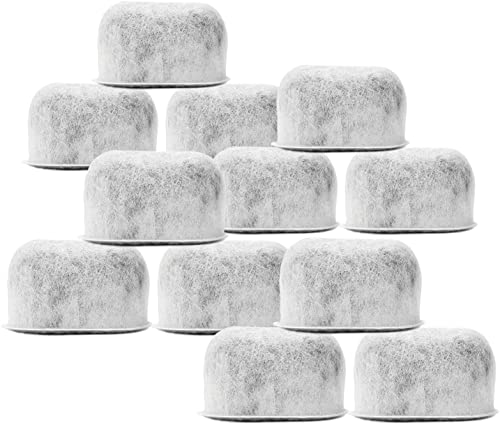
Standard drip makers don't have a milk path, so this task is mainly about water cartridges. Many models use a charcoal water filter in the reservoir to reduce chlorine and odors. Replace it on the interval your manual gives, and soak a new filter before installing if the instructions say to.
A water filter helps taste and can slow scale on some machines, but it doesn't remove the need to descale. If you use a separate milk frother with your drip coffee, clean it after every use as its own manual describes.
Compatible Supplies and Accessories
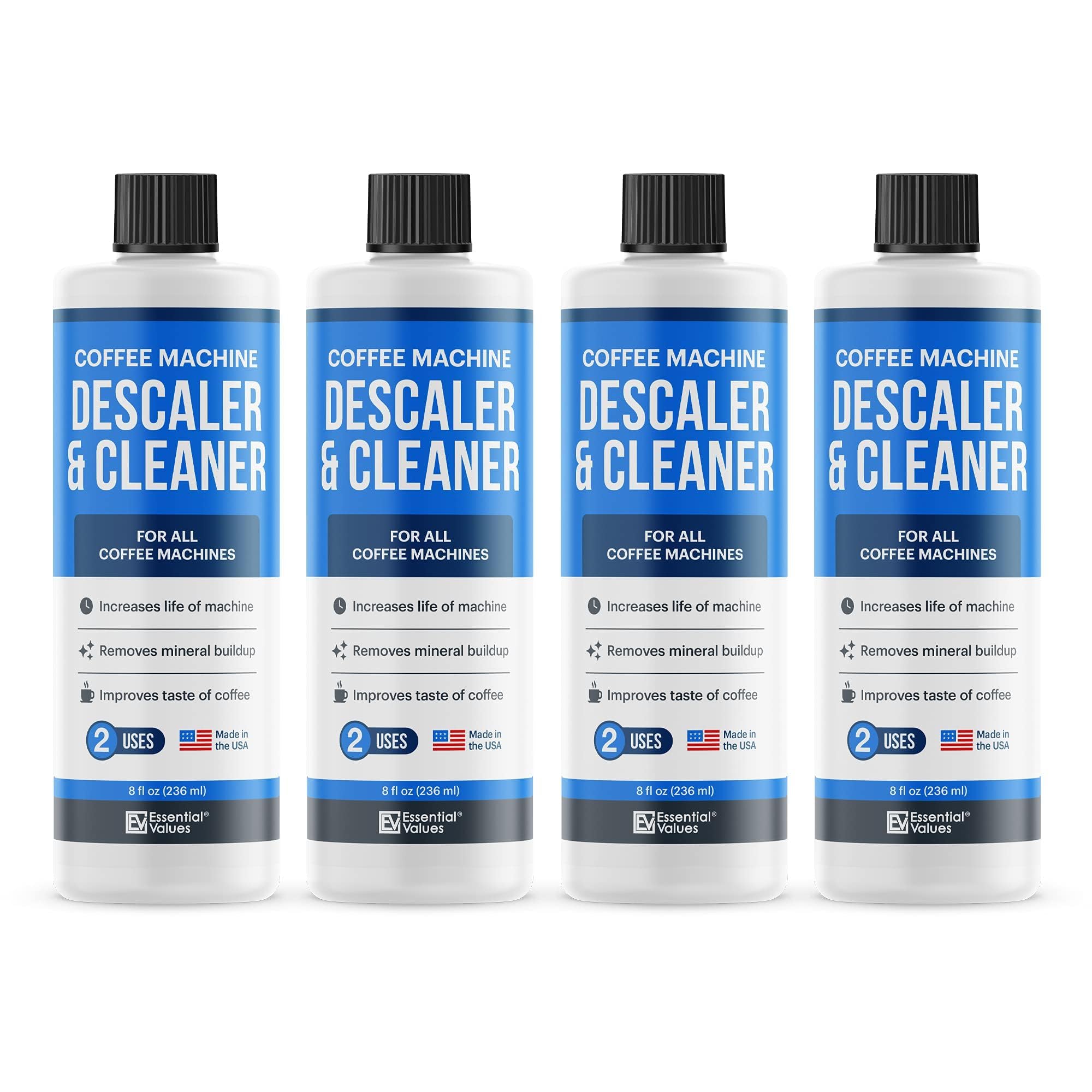
The right supplies make the routine easier. A descaling solution or coffee maker cleaner approved by your manual is the main one; if the manual names a specific product, use it, since some machines are sensitive to certain chemicals. Replacement charcoal water filters must match your model. A soft bottle brush helps with thermal carafes, and a spare carafe or permanent filter is useful if yours wears out.
The product table on this page lists a few cleaning and descaling products sold for drip coffee makers, along with replacement charcoal filters for models that use them. Check compatibility with your machine's manual before buying, and follow each product's directions. Avoid abrasive pads and harsh household cleaners on coffee maker parts, since they can scratch surfaces and leave residues.
Store supplies near the machine so the routine is easy to keep: a bottle of descaler, a pack of filters and a brush in the same cupboard make it far more likely that maintenance happens on time. Check expiry or use-by guidance on cleaning products and keep them out of reach of children.
Adjusting the Routine to Actual Use
Drink Frequency
The more often you brew, the faster oils and scale build up. A household brewing several pots a day should wash parts daily and expect the descale indicator more often. Someone brewing a single weekend pot can wash less often but should still rinse after each use and empty the reservoir between brews so water doesn't sit for days. Let the descale indicator or your manual's brew count guide the timing rather than the calendar alone.
Water and Filter Setup
Water hardness has the biggest effect on descaling frequency. Hard water leaves scale quickly; soft or filtered water slows it down. Some machines let you set water hardness so the descale reminder adjusts; your manual explains how, and water hardness strips or your local water report can tell you which setting to use. If you use a pitcher filter or a built-in charcoal filter, keep up with replacements so the benefit continues.
Shared or Seasonal Use
In shared kitchens, agree on who empties grounds and rinses the carafe, since leftover coffee and damp grounds quickly cause odors and residue. For machines used seasonally, such as at a vacation home, clean and descale before storing, dry all parts completely and leave the lid open. When you return, run a plain water cycle before brewing coffee.
Offices and other high-use settings benefit from a posted checklist next to the machine, listing the daily rinse, the weekly wash and the date of the last descale. Shared responsibility is easier when everyone can see what's due.
Frequently Asked Questions
Does automatic cleaning remove every manual task?
No. A self-clean or descale function handles the internal water path, but you still need to rinse and wash the brew basket, filter and carafe, and replace water filters. Self-clean cycles also need the descaling product your manual specifies, and you'll need to run the rinse cycles afterward. Think of automatic cleaning as one layer of the routine, not the whole of it.
How does a water filter affect the routine?
A charcoal water filter can improve taste and, on some machines, slow scale buildup, which may stretch the time between descales. It doesn't eliminate descaling, and an expired filter stops helping. Replace it on the schedule in your manual and keep descaling when the indicator or your manual says so, especially in hard water areas.
What changes when I make milk drinks?
A drip coffee maker itself doesn't handle milk, so its routine stays the same. If you use a separate frother or steam device for lattes, clean it after every use as its manual describes, since milk residue spoils quickly. Keep milk equipment separate from the coffee maker's parts when washing to avoid cross-contamination of odors.
When should I contact support instead of cleaning again?
Contact support if the machine still brews slowly, leaks, runs cool or shows an alert after you've cleaned and descaled as the manual directs. Stop and call immediately if you notice electrical warning signs, such as a burning smell or damaged cord. Repeated cleaning won't fix an internal fault. Our coffee maker troubleshooting hub covers common symptoms.
Your Practical Maintenance Plan
Here's how often to clean a drip coffee maker in practice: rinse removable parts after every brew, wash them thoroughly a few times a week, descale when the indicator or your manual says, and replace water filters on schedule. Keep a simple record and adjust for your water and usage. Once you know how often to clean a drip coffee maker of your model, the routine takes only minutes a week and keeps your coffee tasting fresh.