JURA Coffee Machine Not Grinding: Causes and Next Steps
Disclosure: We may earn a commission when you buy through links on this page, at no extra cost to you. As an Amazon Associate I earn from qualifying purchases. Learn more
JURA coffee machine not grinding: safe checks for beans, hopper, seating and maintenance prompts, plus when to call support.
A JURA coffee machine not grinding usually points to something you can check from the outside: an empty or bridged bean hopper, oily or unsuitable beans, a grind setting changed at the wrong moment, or a maintenance prompt that is holding up the next drink. This guide covers JURA automatic bean-to-cup machines, from compact models like the ENA and E series to the J8 twin and Z10, and lists safe, manual-approved checks in a sensible order.
Before you start, find your model name and code on the type plate or in the manual, since grinder controls, hopper designs and prompts differ by generation. Then work through the steps below without opening the machine.
Start Here: Safe Checks and the Main Next Step
Look in the bean container first. Is there enough coffee, and is it sitting over the grinder opening rather than piled to one side? Is the lid or aroma cover fitted as the manual shows? Make sure you have chosen a drink that uses beans, not a preground or hot water option.
Next, read the display. A message about beans, the grounds container, the drip tray or maintenance often explains why grinding has stopped. Complete the task it asks for, using only the steps in your manual.
Stop and contact JURA support if you see cord damage, smoke, a burning smell, repeated electrical faults or water reaching electrical parts. Do not open the housing, do not reach into the grinder and never insert tools into a powered grinder. For everything else, the main next step is to verify permitted beans and correct hopper placement.
Beans, Hopper, and Supported Settings
When It Happens
Notice when the grinder stops. If it fails on the first drink after a refill, the beans may not have settled over the grinder, or the container lid may not be seated. If it happens partway through a bag of very oily or dark beans, the beans may be clinging together and not feeding down. If it started after a grind setting change, the timing of that change may matter.
Also note whether the grinder makes any sound. A grinder that runs but produces little coffee is a different situation from a grinder that stays silent, and support will want to know which one you have.
Timing clues help too. A JURA coffee machine not grinding only in the morning may simply have run low overnight, while one that stops after several drinks in a row may be waiting for the grounds container to be emptied.
What You Can Observe
Look and listen without touching moving parts. Do the beans move when you start a drink? Does the grinder sound normal, labor, or stay silent? Is ground coffee reaching the brew unit, or does the machine show a "fill beans" type message even though the container is full?
Check only user-accessible, manual-approved grinder care. Some JURA models allow you to adjust the grind setting with a selector switch, as the E8's listing describes, but manuals usually say to change it only while the grinder is running. Follow your manual exactly; do not force a dial on a stopped grinder.
What It Does Not Prove
A grinder that does not grind once does not prove a broken motor or burr. Empty or bridged beans, a lid out of place, oily beans or a pending maintenance task can all stop grinding, and none of them need internal repair.
Do not insert tools into the grinder or claim an internal fault based on one symptom. Work through the external checks first, and involve JURA support if the problem continues after them.
External Checks Before Any Cleaning Cycle
Power and Correct Assembly
Switch the machine on normally and let it complete heating and its rinse. Confirm that the bean container lid and aroma cover sit exactly as shown in the manual, and that the grounds container and drip tray are pushed fully into place.
Many JURA machines will not prepare a drink if the grounds container or drip tray is missing or not detected. The E8's listing, for example, describes a drip tray that can be removed with one hand, which also means it should click back firmly.
Coffee, Water, and Mode
Fill the water tank and seat it properly, since the machine needs water before it will brew. Refill the bean container with fresh whole beans suitable for automatic machines, as your manual describes. Make sure you are not using a preground setting or a hot water only option by mistake.
On machines with an optional preground chute, such as the E6 and ENA 8, check you have not selected the preground function. Read every alert on the display before trying again.
If you switched beans recently, think about the bag. Beans stored open for weeks can become stale and dusty, and very fresh, oily beans can stick. Neither damages the machine on its own, but both can change how smoothly beans feed into the grinder.
User-Accessible Components
Inspect and clean only parts your manual lists as user-serviceable, such as the bean container (empty and wipe it dry if the manual permits), the grounds container and the drip tray. Remove any foreign objects you can see in the bean container with the machine switched off and unplugged.
Do not reach into the grinder opening, remove covers that require tools or try to clean the burrs yourself unless the manual shows that procedure for your model. Grinder service is a job for JURA or an authorized service center.
A small flashlight helps you look into the bean container without touching anything. Look for beans stuck to the sides, a coffee bag clip, a small stone or any other object. If you see something lodged deep in the grinder opening, leave it for support rather than trying to fish it out.
JURA Coffee Machine Not Grinding: Possible Causes and Manual-Approved Checks
Input or Setting Mismatch
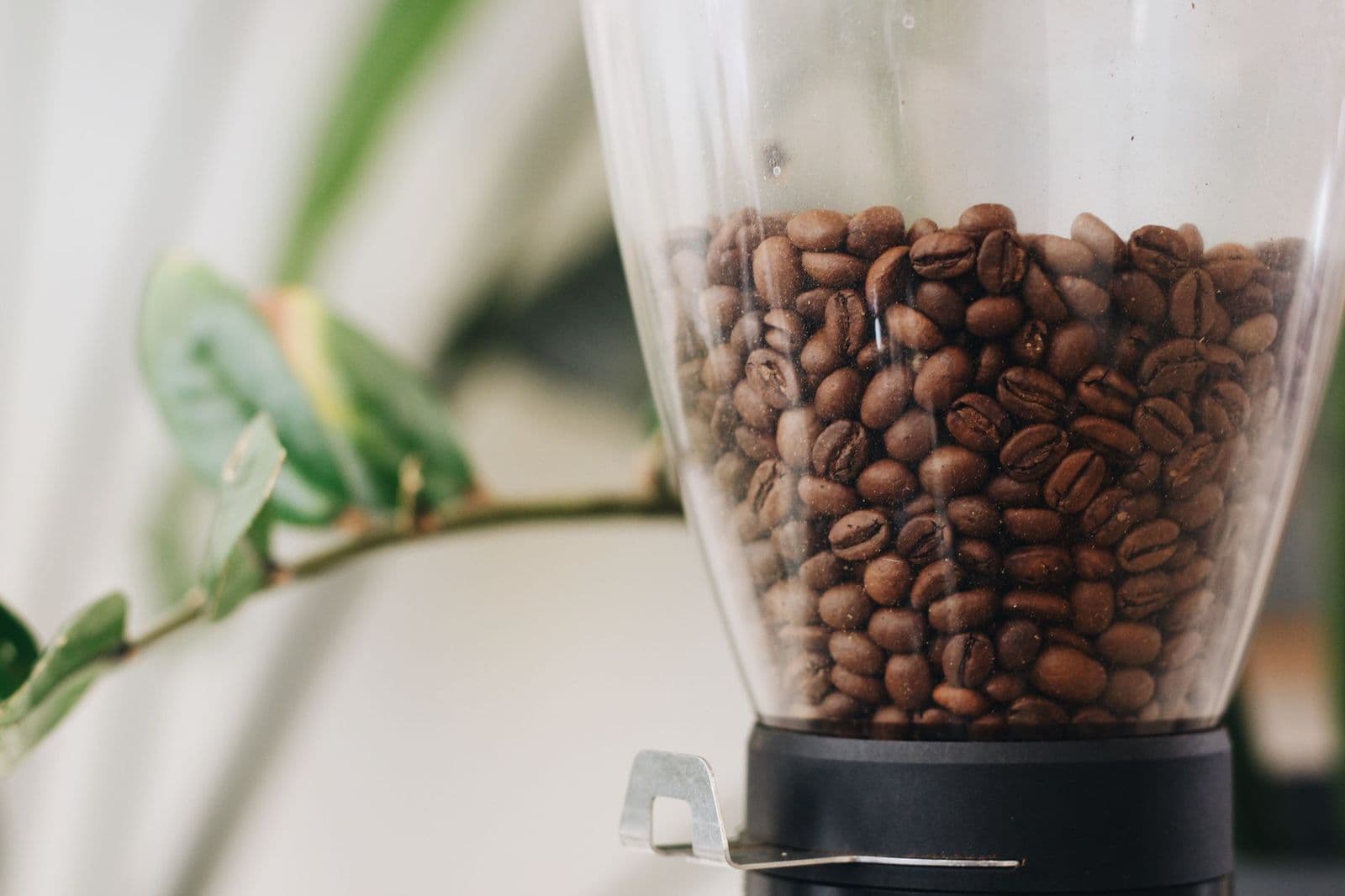
The most common causes are simple: too few beans, beans that are not feeding down, or the wrong drink selection. Very oily, dark roasted, flavored or caramelized beans can stick together and form a bridge above the grinder, so the machine reads the container as empty.
What supports this possibility: the grinder runs briefly or not at all, the display asks for beans despite a full container, or the problem began with a new bag of oily beans. The check is to switch off and unplug the machine, stir or settle the beans so they sit over the grinder, refit the lid and try a standard coffee. If this happens often, switch to drier, medium roast beans recommended for automatic machines in your manual.
On two-grinder machines like the J8 twin, which has two 6.3 oz bean containers, confirm the drink is set to use the hopper that actually has beans in it.
Accessible Residue or Incorrect Seating
Coffee oils and fine grounds can build up in user-accessible areas, and a bean container lid, grounds container or drip tray that is not fully seated can stop the machine from preparing a drink.
What supports this possibility: the problem started after cleaning or refilling, a part feels loose, or the display shows a container or tray message. The model-approved check is to remove, empty and dry the grounds container and drip tray, wipe the bean container if your manual permits, and refit everything until it clicks into place.
Use only the cleaning methods in your manual. Do not pour water into the bean container or grinder area, and avoid household cleaners unless JURA approves them.
Maintenance State
JURA machines track brew system cleaning, descaling and, on some models, filter changes. When a task is due, the machine may stop preparing drinks until it is done, which can look like a grinding problem.
Do not infer a grinder failure from this alone. Check the display and maintenance menu, then run only the program the machine requests, using JURA cleaning tablets for brew system cleaning and JURA descaling tablets for descaling as the manual directs. If your machine uses a filter cartridge, our JURA water filter guide explains how filter changes fit into the schedule.
When the Cause May Need Service
External checks have limits. If the grinder stays silent, labors loudly, makes grinding or clicking noises without producing coffee, or stops again after you have confirmed beans, settings, seating and maintenance, the cause may be inside the machine.
Stop retrying at that point. Repeated attempts on a jammed grinder can make things worse, and foreign objects such as small stones in beans need professional removal. Note what you observed and contact JURA support rather than opening the machine.
Keep any unusual object you removed from the bean container, and keep the bag of beans you were using. Both can help support understand what happened and whether the issue could recur.
Model-Specific Alerts and Next Steps
JURA's message wording depends on the model, generation and software, so look up each message in the manual for your model code before acting, and do not borrow button sequences from another machine. The table groups the common prompt types linked to grinding problems.
| Type of message | Documented meaning (check your manual) | Permitted user step | Stop and contact support if |
|---|---|---|---|
| Bean prompt | Beans low or not detected | Refill or settle beans over the grinder | Prompt stays with a full, settled container |
| Grounds container prompt | Container full or missing | Empty, dry and refit fully | Prompt stays after correct refit |
| Drip tray prompt | Tray full or not detected | Empty, rinse and refit | Prompt stays after correct refit |
| Cleaning or descaling prompt | Maintenance due | Run the requested program with JURA supplies | Program will not complete |
| Unfamiliar or error message | Varies by model | Look it up for your model code | Message persists or indicates a fault |
When to Contact Support or Consider Replacement
Contact JURA support if the grinder will not run after the checks above, if it makes unusual grinding or clicking noises, if you suspect a foreign object, or if an error message persists. Have your model name and number, purchase date, the exact message and a note of what you have tried.
Check your warranty and JURA's US service options before thinking about replacement. A grinder that stopped because of oily beans or a jam is usually serviceable, so a new machine is rarely the first answer.
If support recommends an expensive repair on an older machine, weigh the quote against the machine's value. Our best JURA coffee machine guide covers current models if replacement makes sense.
Preventing the Same Issue
Use fresh, whole beans of the type your manual recommends, avoid very oily or flavored beans, and keep the container lid closed. Refill before the hopper runs empty, and change grind settings only as the manual describes.
Follow a full care routine, including brew system cleaning, descaling and filter changes; our guide to JURA coffee machine maintenance sets out a practical schedule. Good habits reduce grinder problems, though no routine prevents every fault.
Frequently Asked Questions
Should I keep restarting the machine?
No, a single normal restart is enough. If the grinder still does not run, check beans, seating and prompts instead. Repeatedly starting a jammed grinder can strain it, and restarting can clear messages that support needs to hear about.
Will descaling fix every symptom?
No. Descaling removes mineral scale when the machine requests it, but it does not move bridged beans or clear a jam. For grinding problems, focus on beans, hopper placement, part seating and any maintenance prompt shown.
What information should I give manufacturer support?
Give your model name and number, purchase date, the exact display message and whether the grinder is silent, laboring or running without producing coffee. Mention the beans you use and the checks you completed so support can move quickly.
Your Next Step
For a JURA coffee machine not grinding, start by checking the beans, settling them over the grinder and confirming the lid, grounds container and drip tray are seated, then complete any prompt shown. If the grinder still will not run or sounds wrong, stop and contact JURA support. For other symptoms, see our hub on a JURA coffee machine not working, and keep the machine in shape with our JURA coffee machine maintenance guide.