Ninja Coffee Maker Troubleshooting: Causes and Next Steps
Disclosure: We may earn a commission when you buy through links on this page, at no extra cost to you. As an Amazon Associate I earn from qualifying purchases. Learn more
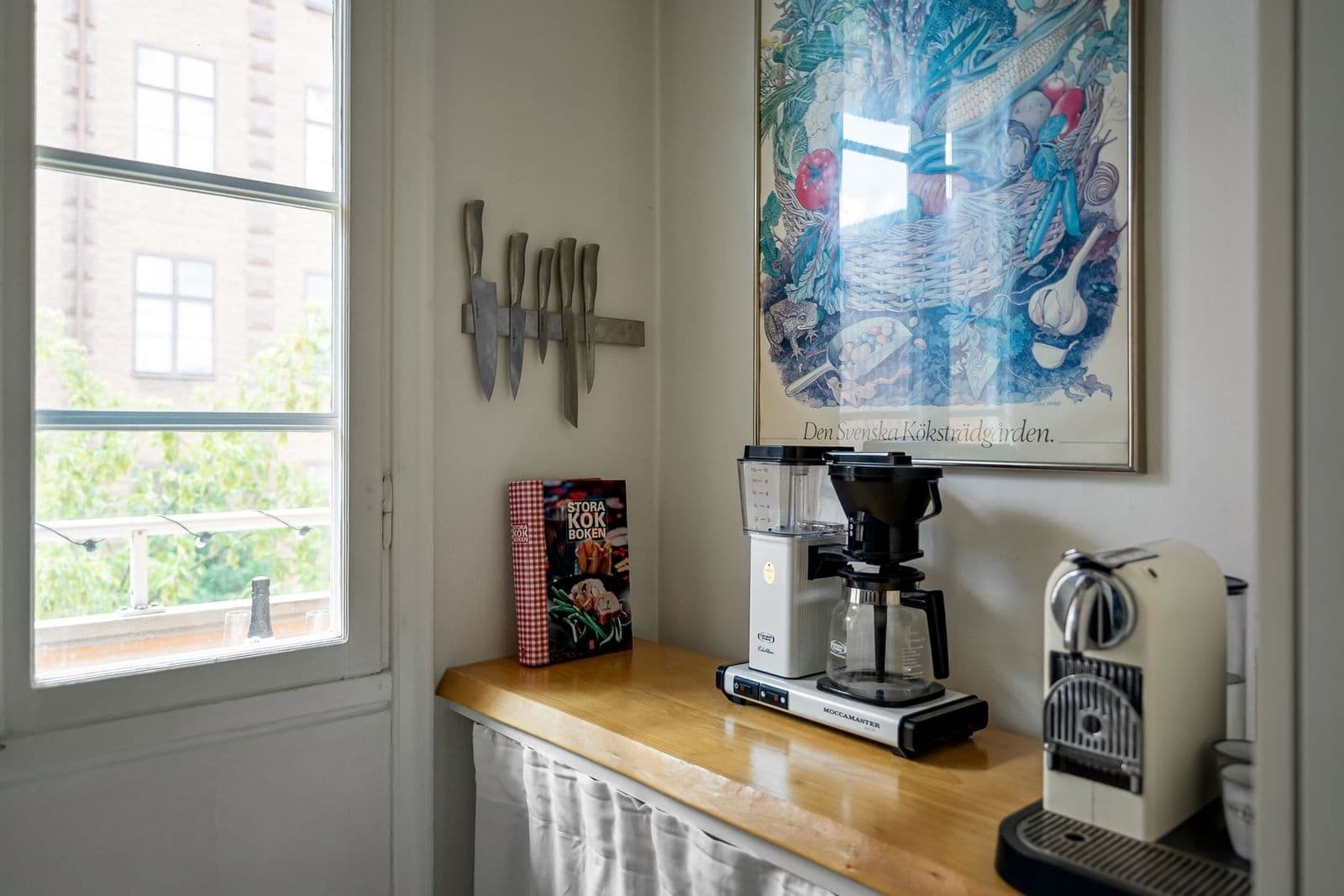
Ninja coffee maker troubleshooting by symptom: safe external checks first, descaling only when indicated and clear support thresholds.
Ninja coffee maker troubleshooting works best when you start with the symptom you can see and the type of Ninja you own. Ninja sells drip brewers with a carafe, single-serve machines that take pods and grounds, specialty brewers that make a concentrate for milk drinks, and espresso-capable machines such as the Luxe Café and the capsule-compatible Espresso and Coffee Maker. A slow brew, an overflowing basket or a light that will not go out has different likely causes on each.
This guide walks through safe external checks first, then the causes you can address with your manual's approved steps, and finally the signs that mean it is time to contact Ninja support. It does not cover opening the housing or electrical repair.
Start Here: Safe Checks and the Main Next Step
Before anything else, look for safety warning signs: a damaged cord or plug, a burning smell, smoke, sparks, or water leaking from the base near electrical parts. If you see any of these, unplug the machine, let it cool and stop using it. Contact Ninja support rather than troubleshooting further.
If none of those apply, your main next step is to write down the exact symptom, when it happens and what the display or indicator lights show, then work through the external checks below. Many problems turn out to be a setting, an unseated part or a maintenance reminder rather than a fault.
Start with the Observable Symptom
When It Happens
Note whether the problem appears at power-on, at the start of brewing, partway through, or after the brew finishes. A machine that will not turn on points to power or assembly. A brew that starts and stops points to water, settings or maintenance. Overflow during brewing points to the basket, filter or coffee amount.
Also note whether it happens with every brew style and size, or only one. If a carafe brew works but a single cup does not, or hot coffee works but over ice does not, the cause is likely tied to that mode rather than the whole machine.
What You Can Observe
Look at the indicator lights or display, listen for the pump or heater, check whether water leaves the reservoir and see where liquid ends up. Compare the amount brewed with the size you selected. These observations are what support will ask for if you need to call.
Common symptoms and the first thing to check:
- No power or no lights: the outlet, the plug and the power button or dial.
- Brew will not start: reservoir seating, water level, brew basket closed and the carafe or cup in place.
- Brew stops early or is short: water level, size selection and, if the indicator is on, descaling.
- Basket overflows: too much coffee, too fine a grind, doubled filters or a basket not closed properly.
- Weak or watery coffee: coffee amount, grind, brew style and size, and ice amount for over-ice brews.
- Coffee tastes stale or bitter: residue in the basket, filter or carafe, and old coffee or water.
- Clean or descale light on: the maintenance routine described in your manual.
What It Does Not Prove
A single symptom rarely proves one cause. Weak coffee can come from a grind that is too coarse, too little coffee, the wrong brew style or mineral scale slowing the flow. A blinking light can mean a maintenance reminder or an assembly issue depending on the model. Treat each observation as a clue and check the simple causes first.
External Checks Before Any Cleaning Cycle
Power and Correct Assembly
Confirm the machine is plugged directly into a working wall outlet, not a loose power strip, and that the outlet works with another small appliance. Check that the power button or dial is set correctly for your model.
Then check assembly. The water reservoir should be fully seated, the brew basket closed and locked in place, and the carafe or cup positioned correctly on the warming plate or drip tray. Many Ninja brewers will not start or will pause if a part is not in place, so reseat each one firmly.
Coffee, Water, and Mode
Check that there is enough water in the reservoir for the size you selected, and that the reservoir is not overfilled past its maximum line. Make sure the right filter is in place, whether the permanent filter or a paper filter if your manual allows it, and that you have not doubled up filters.
Confirm the brew style and size match what you want. On multi-style brewers, a concentrate or specialty setting makes a smaller, stronger amount on purpose. On pods-and-grounds machines, check that you are using the pod adapter for pods and the grounds basket for ground coffee, as the manual describes.
Pods-and-grounds machines add one more check: make sure the pod adapter is clean and the pod sits flat, and that the grounds basket is used without a pod. Specialty brewers with a frother should have the frother folded back or attached as the manual shows before brewing. On espresso-capable models, the portafilter or capsule holder must be locked in place before a shot will start.
User-Accessible Components
Look at the parts you can remove: the brew basket, filter, drip stop, carafe lid and reservoir. Grounds stuck in the basket outlet, a carafe lid that is not on properly, or a clogged permanent filter can cause slow drips and overflow. Rinse these parts as your manual describes and reassemble them.
Ninja Coffee Maker Troubleshooting: Possible Causes and Manual-Approved Checks
Input or Setting Mismatch
The most common causes are simple mismatches. Too much coffee or a very fine grind can make the basket overflow, while too little coffee or a coarse grind gives weak results. Use the scoop and measurements in your manual as a starting point, and choose a medium grind for drip brewing unless the manual says otherwise.
Selecting the wrong size or style also changes results. A small cup size with a large mug leaves you short, and a concentrate setting will always be stronger and smaller than a classic brew. If iced coffee tastes watery, check that you used the over-ice setting with a full cup of ice, as your manual describes.
Accessible Residue or Incorrect Seating
Coffee oils and fine grounds build up in baskets, filters and outlets over time. If brewing is slow or coffee tastes stale, wash the removable parts with warm soapy water where the manual allows, rinse thoroughly and dry them before reassembling.
Seating problems often look like faults. A brew basket that is not fully closed may stop the brew or cause drips, and a reservoir that is slightly lifted may not feed water. Remove and reinsert each part until it clicks or sits flat, then try a water-only brew to see if the symptom remains.
Maintenance State
Mineral scale slows water flow, lengthens brew times and can make coffee taste flat. Many Ninja brewers show a clean or descale indicator when it is time; your manual explains what yours means and which descaling solution and steps to use. Run the clean or descale cycle exactly as the manual describes, using only the products it approves.
Do not run a descaling cycle as a cure-all for every symptom. If the problem is a seating issue or a setting, descaling will not fix it, and running cycles you do not need wastes time and supplies. Our guide on how to descale a coffee maker explains the general principles, and your Ninja manual gives the specifics.
When the Cause May Need Service
Some symptoms point beyond what an owner should handle: no power from a working outlet after checking assembly, a pump that runs without moving water after descaling, leaks from the base, heating that fails completely or error indicators that return after every correct fix. These need Ninja support or authorized service.
Model-Specific Alerts and Next Steps
Indicator lights and messages mean different things across Ninja's ranges. A drip brewer may use a single clean light, a specialty brewer may combine lights with brew style buttons, and espresso-capable machines such as the Luxe Café have their own controls and maintenance steps. Look up the exact message in your manual's troubleshooting section before acting.
Find your model number on the bottom or back of the machine, or on the box. Ninja model codes such as CE201, CM401 or CFN601 identify the exact manual. Machines that brew espresso and machines that brew drip coffee have different maintenance steps, so never borrow instructions from a different type, even within the Ninja brand.
If your machine uses a grinder, as the Luxe Café models do, check the manual's guidance on cleaning the grinder and bean hopper. Grinder problems such as no grounds or uneven dosing have their own causes and checks that differ from drip brewers.
When to Contact Support or Consider Replacement
Contact Ninja support when a safety sign appears, when the symptom persists after you have completed the external checks and the manual's approved cleaning or descaling, or when an error indicator will not clear. Support may walk you through model-specific checks or arrange warranty service.
Before calling, gather your model number, the purchase date and proof of purchase, a clear description of the symptom, what the lights or display show and what you have already tried. This shortens the conversation and helps support decide quickly whether the machine needs service.
Replacement makes sense when the machine is out of warranty and the fault involves heating, pumping or electrical parts, or when repeated problems keep returning. If you are shopping, our guide to the best Ninja coffee maker compares current models across drip, single-serve and specialty formats.
Preventing the Same Issue
Most recurring problems are prevented by a simple routine. Empty and rinse the brew basket and carafe after each use, wash removable parts regularly as the manual allows, use fresh water and descale when the indicator or manual schedule says to. Hard water speeds up scale, so pay attention to how quickly the clean indicator returns.
Measure coffee consistently with the included scoop, keep the grind medium for drip styles, and match the brew size to your cup. Store the manual where you can find it, and note the date of each descale. If several people use the machine, agree on a few habits: rinse the basket after brewing, never leave grounds sitting in the machine overnight and refill the reservoir with fresh water each morning. Shared machines tend to develop problems when nobody owns the cleaning routine.
For a full routine that applies to every coffee maker, see our coffee maker maintenance guide.
Frequently Asked Questions
Should I keep restarting the machine?
No. One restart after reseating parts and checking power is reasonable, but repeatedly cycling power will not fix a setting, a seating problem or scale, and it can hide a pattern support needs to see. Work through the external checks instead, and contact support if the symptom returns.
Will descaling fix every symptom?
No. Descaling removes mineral scale, which can cause slow brewing, short brews and flat taste. It does not fix overflow from too much coffee, a basket that is not seated, the wrong brew style or electrical faults. Descale when the indicator or manual says to, and check settings and assembly first.
What information should I give manufacturer support?
Give your model number, purchase date, a description of the symptom and when it happens, what the lights or display show and the steps you have already tried, such as reseating parts or descaling. Photos or a short video of the symptom can help support diagnose the problem faster.
Your Next Step
For effective Ninja coffee maker troubleshooting, check for safety signs, write down the symptom and the indicator lights, then work through power, assembly, water, settings and removable parts before running any cleaning cycle. Descale only when the indicator or manual calls for it, and contact Ninja support if the problem persists. Our general coffee maker troubleshooting guide covers symptoms shared by every brand.