JURA Coffee Machine Not Making Coffee: Causes and Next Steps
Disclosure: We may earn a commission when you buy through links on this page, at no extra cost to you. As an Amazon Associate I earn from qualifying purchases. Learn more
JURA coffee machine not making coffee: safe readiness checks, maintenance prompts and the point where JURA support should take over.
A JURA coffee machine not making coffee is most often waiting for something: water in the tank, an empty grounds container or drip tray, beans in the hopper, or a cleaning, descaling or filter task the display is asking for. This guide covers JURA automatic machines across the current range, from the compact C and ENA models to the E, S, J and Z series, and walks through safe checks you can do without tools.
Keep your model name and code handy (on the type plate and in the manual), because prompts and readiness checks vary between generations. Start with the quick checks, then follow the causes in order.
Start Here: Safe Checks and the Main Next Step
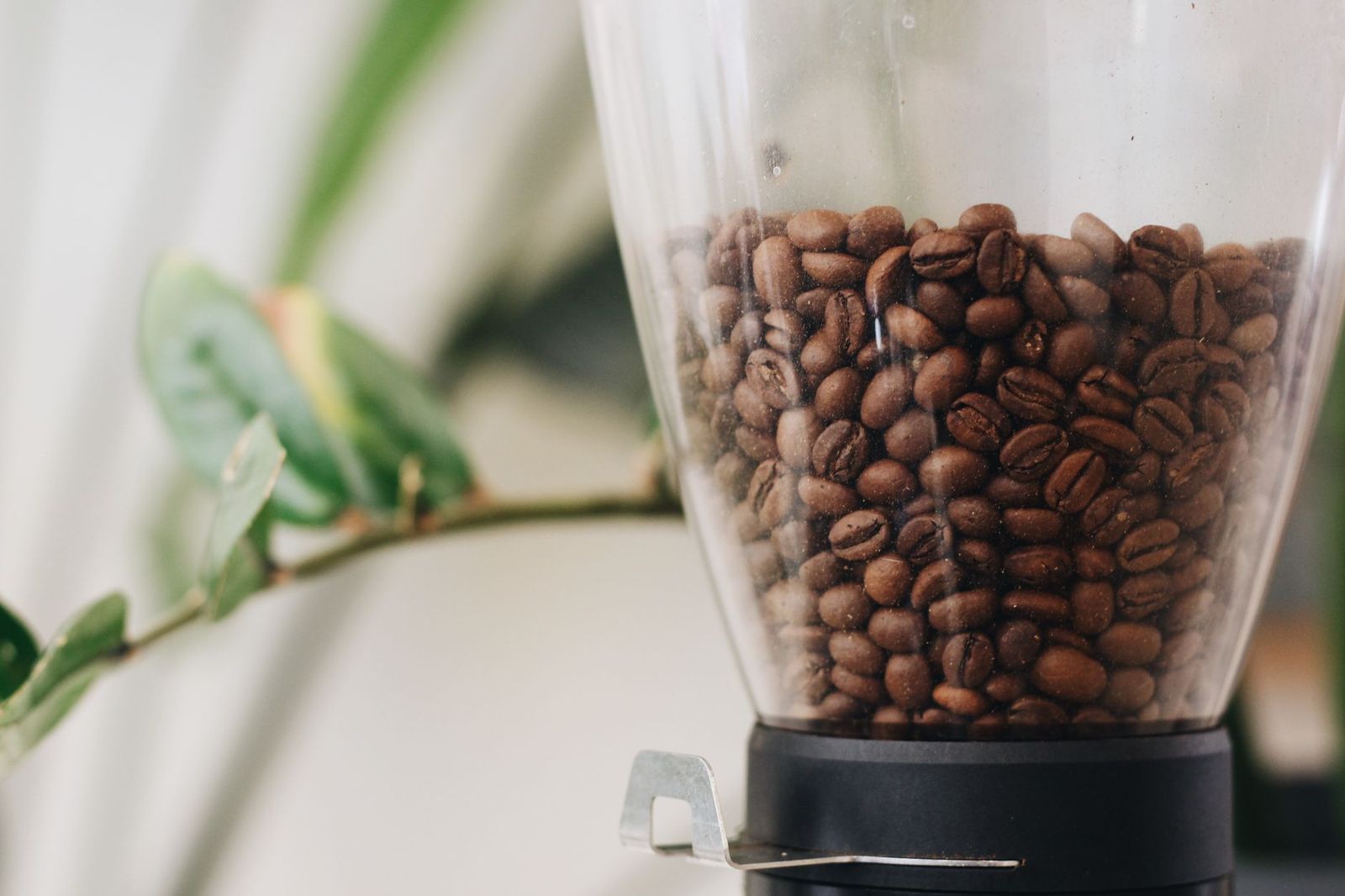
Check the four things that stop most JURA machines from brewing: the water tank, the grounds container, the drip tray and the bean container. Is the tank filled and fully seated? Are the grounds container and drip tray empty and pushed all the way in? Are there beans over the grinder?
Then read the display carefully. JURA machines show prompts for missing water, full containers, missing trays and due maintenance, and they may not brew until you respond. Complete only the step the manual describes for that message.
Stop and contact JURA support if you see cord damage, smoke, a burning smell, repeated electrical faults, leaks under the machine or water near electrical parts. Do not open the housing or attempt internal checks. For everything else, the main next step is to check water, grounds bin, tray and displayed alerts.
Readiness, Components, and Prompts
When It Happens
Notice when brewing stops. If the machine will not start the first drink of the day, it may still be heating or rinsing, or the water tank may have been left empty after the last refill. If it stops after several drinks, the grounds container or drip tray may be full. If it stopped after cleaning, a part may not be seated.
Write down the exact message and what you were doing when it appeared. That pattern is the fastest route to the right fix, whether you solve it yourself or need support.
A JURA coffee machine not making coffee after a long break, such as a vacation, may simply need fresh water, fresh beans and the rinse it runs at start-up. Follow your manual's guidance on returning the machine to use after storage before assuming a fault.
What You Can Observe
Watch and listen when you start a drink. Does the grinder run? Does water flow at all, or does only a little coffee drip out? Is there a message on the screen?
A machine that grinds but produces no coffee is a different case from one that does nothing, and both differ from one that shows a maintenance prompt.
Then verify supported coffee loading and recipe selection. Make sure you chose a coffee drink rather than hot water or milk only, and that beans or, on models with a preground chute, the correct amount of ground coffee is loaded as the manual shows.
What It Does Not Prove
A machine that will not brew once does not prove a pump, heater or brew unit failure. Many ordinary conditions, such as a tank not quite seated or a full grounds container, stop brewing on purpose to protect the machine.
Follow the model's documented readiness checks before assuming anything more serious. If coffee still will not flow after those checks, that is the point to bring in JURA support.
External Checks Before Any Cleaning Cycle
Power and Correct Assembly
Switch the machine on with its normal controls and wait for heating and the rinse to finish. Check that the coffee spout, grounds container, drip tray and water tank are fitted exactly as the manual shows. The drip tray and grounds container must be fully inserted for most JURA machines to brew.
If the machine was recently moved, make sure it sits level and that nothing is pressing on the tank or tray. A tank that sits slightly high can stop water from flowing into the machine.
Also check the power setup. Plug the machine directly into a working wall outlet rather than a power strip that may be switched off, and make sure the main power switch, if your model has one, is on. A machine that shows nothing at all on the display is a power question, not a brewing one.
Coffee, Water, and Mode
Fill the tank with fresh, cold water to the marked level and seat it firmly. Refill beans if they are low, and settle them over the grinder if they have bridged. If you used the preground chute on a model that has one, such as the E6 or ENA 8, follow the manual's instructions for the amount and timing of adding ground coffee.
Make sure you selected a coffee specialty. Read every alert on the display and respond to it before trying again.
Water quality matters over time. Very hard water speeds up scale, which is why JURA machines track descaling and, on models with filter cartridges, filter life. Following those prompts keeps water flowing freely through the machine.
User-Accessible Components
Inspect and clean only the parts your manual lists as user-serviceable: the water tank, grounds container, drip tray, coffee spout and, if fitted, the milk system parts. Empty and rinse them, dry the grounds container, and refit them until they click.
Do not remove covers that require tools or try to take out internal parts unless the manual shows that procedure for your model. Keep water away from the electrical connections at the back and underside of the machine.
If your machine uses a filter cartridge in the water tank, check that it is seated correctly. A cartridge that has been fitted incorrectly or has reached the end of its life can be one reason the machine asks for attention before it brews.
JURA Coffee Machine Not Making Coffee: Possible Causes and Manual-Approved Checks
Input or Setting Mismatch
The most common cause is simply missing input: no water, no beans, or the wrong drink. A water tank that looks full but is not fully seated counts as empty to the machine, and bridged beans can make a full hopper look empty.
What supports this possibility: the display shows a water or bean message, the grinder does not run, or the problem started right after a refill. The check is to remove and reseat the tank, settle or refill the beans, select a standard coffee and try again. If it brews normally, the problem was the input, not the machine.
On two-hopper machines like the J8 twin, confirm the selected drink uses the hopper that has beans. On machines with a preground option, make sure you have not selected it without adding coffee.
Accessible Residue or Incorrect Seating
A grounds container or drip tray that is full, or not fully inserted, will stop most JURA machines from brewing. After cleaning, a coffee spout or tray that is slightly out of place can do the same.
What supports this possibility: a container or tray message appears, the problem started after cleaning, or a part feels loose. The model-approved check is to remove the grounds container and drip tray, empty and rinse them, dry them, and refit them firmly. Follow your manual for how your model registers that a tray or container has been emptied.
Use only cleaning methods your manual approves. Avoid household cleaners and do not pour water into openings that are not part of the water tank.
Maintenance State
JURA machines schedule brew system cleaning, descaling and, on models with filters, filter changes. When one of these is due, the machine may limit or stop brewing until it is done.
Recommend the appropriate cleaning task only when the machine indicates it. Check the display and maintenance menu, then run the requested program with JURA cleaning tablets, JURA descaling tablets or a new filter cartridge as the manual directs. Do not run extra programs that the machine has not asked for. Our JURA water filter guide covers how filters affect this schedule.
When the Cause May Need Service
External checks have limits. If no coffee flows after you have confirmed water, beans, seating and maintenance, if the machine makes unusual noises, or if an error message keeps returning, the cause may be internal and beyond user care.
Avoid repeated retries, which can waste supplies and hide what happened. Do not open the machine. Note what you observed, the message shown and the steps already taken, then contact JURA support.
Model-Specific Alerts and Next Steps
JURA message wording depends on the model, generation and software, so look up every message in your model's manual before acting, and never borrow button sequences or reset procedures from another machine. The table groups the prompt types most often linked to "no coffee".
| Type of message | Documented meaning (check your manual) | Permitted user step | Stop and contact support if |
|---|---|---|---|
| Water tank prompt | Tank empty or not detected | Refill with fresh water and reseat | Prompt stays with a full, seated tank |
| Grounds container prompt | Container full or missing | Empty, dry and refit | Prompt stays after correct refit |
| Drip tray prompt | Tray full or missing | Empty, rinse and refit | Prompt stays after correct refit |
| Bean prompt | Beans low or not feeding | Refill or settle beans | Grinder runs but no coffee dispenses |
| Cleaning, descaling or filter prompt | Maintenance due | Run the requested program per manual | Program will not start or complete |
| Unfamiliar or error message | Varies by model | Look it up for your model code | Message persists or indicates a fault |
When to Contact Support or Consider Replacement
Contact JURA support if coffee still will not flow after the checks above, if error messages persist, if you see leaks or hear unusual noises, or if anything seems electrically wrong. Have your model name and number, purchase date, the exact message and a short list of the steps you have taken.
Check warranty coverage and JURA's US service options before thinking about replacement. Many "not making coffee" problems come from readiness checks or maintenance and are solved without parts, so a new machine is rarely the first answer.
If support quotes an expensive repair on an older machine, compare it with the machine's value. Our best JURA coffee machine guide covers current models if replacement becomes sensible.
Preventing the Same Issue
Refill water and beans before they run out, empty the grounds container and drip tray when prompted, and respond to maintenance prompts promptly with JURA supplies. Use beans recommended for automatic machines and follow the manual's loading instructions.
A regular care routine helps most; our guide to JURA coffee machine maintenance sets out a schedule by task. Good habits reduce interruptions, but no routine prevents every fault.
Frequently Asked Questions
Should I keep restarting the machine?
No, one normal restart is enough. If the machine still will not brew, check water, beans, containers and prompts instead. Repeated restarts rarely fix the cause and can clear messages that would help support diagnose the problem.
Will descaling fix every symptom?
No. Descaling removes mineral scale when the machine asks for it, but it will not fix a full grounds container, an unseated tank or missing beans. Run descaling only when prompted, and work through the readiness checks first.
What information should I give manufacturer support?
Share your model name and number, purchase date, the exact message on the display and when it appears. Describe whether the grinder runs and whether any water flows, and list the checks you have done so support can skip straight to the next step.
Your Next Step
For a JURA coffee machine not making coffee, start with the water tank, grounds container, drip tray and beans, then respond to any message using your manual. If coffee still does not flow after every manual-approved step, stop and contact JURA support. For other symptoms, see our hub on a JURA coffee machine not working, and keep things running smoothly with our JURA coffee machine maintenance guide.