JURA Z10 Maintenance: Practical Guide
Disclosure: We may earn a commission when you buy through links on this page, at no extra cost to you. As an Amazon Associate I earn from qualifying purchases. Learn more

JURA Z10 maintenance made practical: what to do daily, what to do when prompted, which supplies to use and how filters change the routine.
Good JURA Z10 maintenance is less about a fixed calendar and more about responding to the right prompt with the right supply. The Z10 tells you when it needs a cleaning cycle, milk system cleaning or descaling, and it automates much of each program, but daily emptying, rinsing and stocking supplies are still your job.
This guide builds a practical routine for the JURA Z10 sold in the US, including the current NAB generation (15792 and 15702) and the earlier 40-specialty versions (15820, 15822 and 15823). Prompts and menus can differ between generations, so treat your model's manual as the final word.

JURA Z10 Maintenance: The Short Answer
Empty the grounds container and drip tray when prompted, keep the water tank fresh, and run milk system cleaning after milk drinks. Run the cleaning program with a JURA cleaning tablet whenever the machine asks, and descale only when prompted or when your filter and water settings call for it.
How often each task comes up depends on how many drinks you make, whether you make milk drinks, your water hardness and your filter setup. That is why the machine's prompts, not a universal schedule, should drive the routine.
What This Routine Covers
Z10 care splits into four types of task. Washing removable parts covers the drip tray, grounds container, water tank and removable milk parts, and it is the task you will do most often.
Coffee-path cleaning is the powered cleaning program that removes coffee oils using a cleaning tablet. Milk care keeps the milk system free of residue. Descaling, or correct filter use, deals with mineral scale from hard water.
This routine covers user care only: the tasks the manual asks you to do. Internal repairs and service belong to JURA or an authorized service center, and you should never open the housing. Because the three Z10 generations have different screens and features, check your own manual for exact steps rather than relying on a single schedule for every machine.
Build a Model-Specific Maintenance Schedule
After Use and Daily
After milk drinks, run the milk system cleaning; current Z10 listings describe it as automatic, at one touch. Put milk back in the refrigerator rather than leaving it out. Each day, refresh the water tank with cold water, wipe the coffee spout area, and empty the drip tray and grounds container when the machine asks or when they look full.
These small jobs take a minute or two but prevent many of the messages that interrupt a morning. A quick look at the bean hopper while you are there also avoids running out of beans mid-drink.
When the Machine Prompts You
The Z10 prompts for the cleaning program, for milk system cleaning and, depending on your settings, for descaling and filter changes. Treat each prompt as a request for one specific task, using the supply the manual names. Respond reasonably soon, since postponing prompts lets residue or scale build up between cycles. Keeping a small stock of cleaning tablets, milk cleaner and descaler means you can act on a prompt the same day.
Periodic Checks and Replacement
Every so often, look over the parts you handle: seals on the water tank, the condition of the milk tubing and spout, and the fit of the drip tray and grounds container. Replace worn parts with genuine JURA parts when they show damage, rather than on a fixed interval. A cracked drip tray or a stiff, discolored milk tube is a sign to order a replacement. If you use a filter cartridge, change it when the machine prompts or as the manual directs.
Recordkeeping
A simple log helps you spot patterns, such as how often cleaning prompts appear in your household. Keep it near the machine or on your phone, and treat it as a convenience rather than a replacement for the machine's prompts. A few weeks of entries usually show whether your water and drink habits make prompts frequent or rare.
| Task | Trigger | Supply | Date completed | Source |
|---|---|---|---|---|
| Empty grounds container and drip tray | Prompt or visibly full | None | Manual, care section | |
| Milk system cleaning | After milk drinks / prompt | Per manual | Manual, milk system | |
| Cleaning program | Cleaning prompt | JURA cleaning tablet | Manual, cleaning | |
| Descaling | Descaling prompt | JURA descaler | Manual, descaling | |
| Filter change | Filter prompt | Cartridge your manual lists | Manual, water filter |
The Main Care Tasks
Removable Parts and Residue
The drip tray, grounds container and water tank collect coffee grounds, drips and water, and they need regular emptying and rinsing. Wash them with warm water, and use the dishwasher only for parts the manual lists as dishwasher safe. Dry and refit them fully, since a part that is not seated properly can trigger a prompt or stop the machine from brewing.
Washing removable parts is separate from the cleaning program. Wiping the outside and rinsing trays keeps the machine tidy, but it does not remove coffee oils from inside the brewing system; that is the cleaning program's job. Likewise, rinsing milk parts helps, but it does not replace the milk system cleaning the machine prompts for.
Coffee Path or Mineral Scale
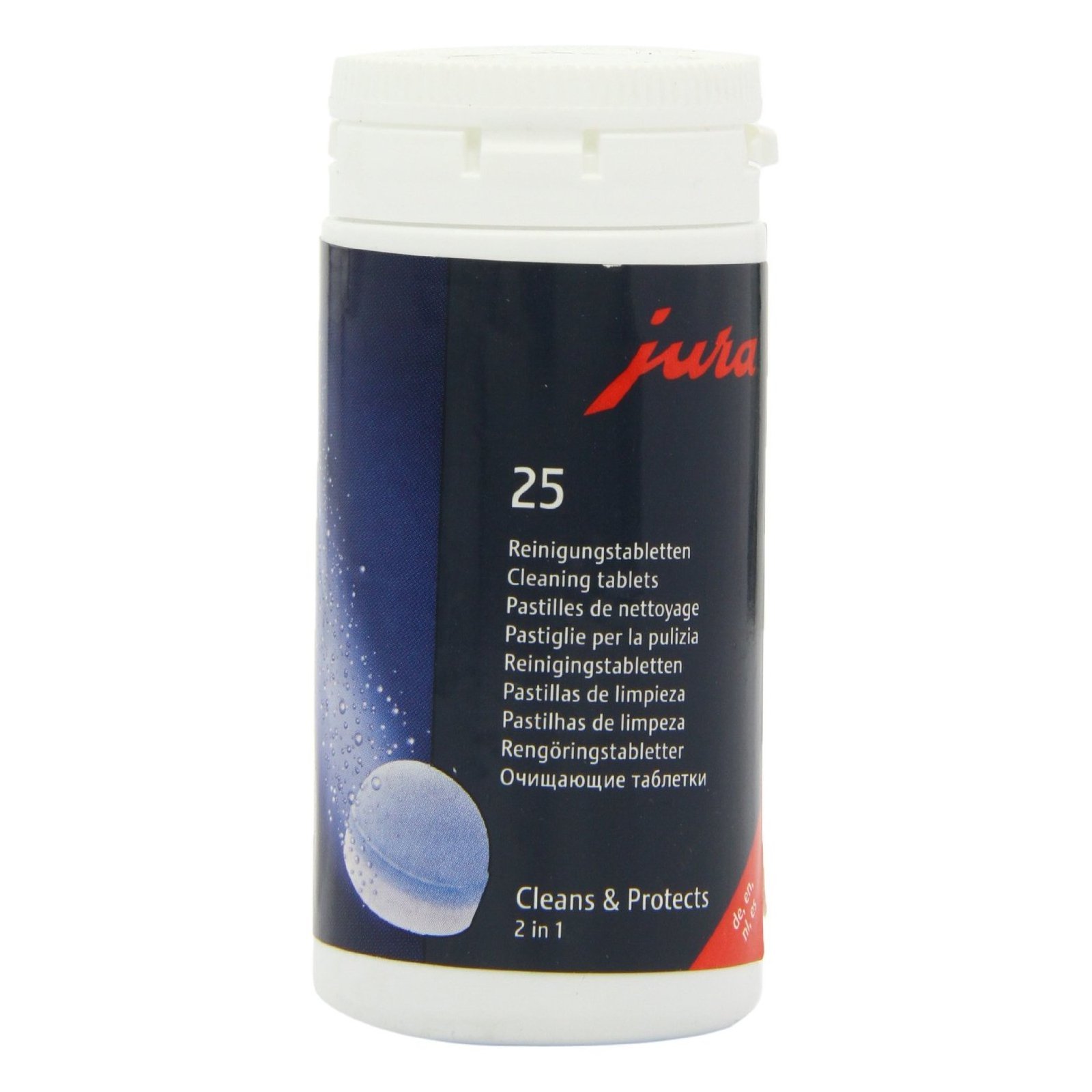
Coffee oils inside the brewing system are removed by the Z10's cleaning program, using a JURA cleaning tablet. JURA's 64308 tablets are listed for JURA automatic coffee machines and state that one tablet is needed per cleaning cycle. Run the program when prompted and follow the on-screen steps for your generation; we do not list button sequences because they differ.
Mineral scale is a different deposit, handled by the descaling program with a JURA descaler such as JURA's descaling tablets, which are listed for all JURA automatic machines. JURA's filter cartridges are listed as preventing scale, so whether and how often your Z10 asks for descaling depends on your filter setup and water hardness setting. Our how to descale JURA Z10 guide covers that program, and our how to clean JURA Z10 guide covers the cleaning program.
Milk Path or Water Cartridge
The milk system needs cleaning after milk drinks, which current Z10 listings describe as automatic one-touch milk system cleaning. When the manual calls for a deeper clean, use the JURA milk system cleaner it names, in the amount and container it describes. Do not substitute dish soap, vinegar or a generic cleaner inside the milk system.
For water, the Z10 works with a JURA filter cartridge as described in your manual; an earlier Z10 listing describes JURA's Intelligent Water System, designed to detect the filter. Install the cartridge your manual lists, activate it in the menu and change it when prompted. A cartridge that is fitted but not activated in the settings may not be counted by the machine. If you do not use a filter, set your water hardness correctly so descaling prompts arrive at the right time.
Compatible Supplies and Accessories
Keep four types of supply separate, since each does a different job. Cleaning tablets remove coffee oils in the cleaning program; JURA's 2-phase cleaning tablets are in the product table. Milk system cleaner removes milk residue.
Descaler removes mineral scale; a JURA combination pack with 25 cleaning tablets and 36 descaling tablets is in the product table. Filter cartridges reduce scale and filter the water, and the right cartridge depends on your machine.
Check compatibility before buying a filter. JURA sells several cartridge families, and listings name specific machines; we have not linked a cartridge here because the Z10's exact cartridge should come from your manual or JURA support. The same applies to third-party filters and cleaners, which may not suit the Z10's programs.
No supply or accessory removes maintenance altogether. A filter reduces scale but still needs changing, and automatic cleaning programs still need you to add tablets and empty containers.
Buy JURA consumables from authorized sellers where possible, and check packaging dates and seals on arrival. Store tablets and cleaners in a dry cupboard away from food, and keep them in their original packaging so instructions stay with them.
Adjusting the Routine to Actual Use
Drink Frequency
The more drinks you make, the more often the grounds container and drip tray fill and the sooner cleaning prompts appear. A busy household making several drinks a day may empty containers daily, while a light user may go longer. Milk drinks add milk cleaning to each session, so a milk-heavy routine involves more daily care than black coffee alone. If you notice the grounds container filling faster than you expect, empty it at a set time each day, such as after the morning round.
Water and Filter Setup
Water hardness and filter use have the biggest effect on descaling. Set the hardness value your manual describes, and if you use a filter cartridge, keep it activated and change it when prompted. The filter listing states it prevents scale, which is why correct filter use can change how often you see descaling prompts. Follow the manual's guidance rather than a universal date.
Shared or Seasonal Use
In a shared home or office, agree on who empties containers and responds to prompts, since tasks are easy to leave for someone else. Before leaving the machine unused for a while, such as a vacation, follow the manual's guidance on emptying the water tank and containers. When you return, refill with fresh water and run any rinse the manual recommends before brewing. Fresh beans are worth buying too, since beans left in the hopper for weeks lose flavor.
Frequently Asked Questions
Does automatic cleaning remove every manual task?
No, automatic programs do not remove every task. The Z10 automates rinsing and milk system cleaning and guides you through the cleaning and descaling programs, but you still empty the grounds container and drip tray, refill the water tank, add cleaning tablets or descaler when asked, and wash removable parts. Milk also needs refrigerating between uses.
How does a water filter affect the routine?
A water filter mainly affects descaling. JURA's filter cartridges are listed as preventing scale, and an earlier Z10 listing describes a system designed to detect the filter. With the right cartridge installed and activated, descaling prompts may appear less often or work differently, and you add filter changes to the routine. Your manual explains the details for your generation.
What changes when I make milk drinks?
Milk drinks add milk system cleaning to the routine, which the Z10 runs at one touch after milk drinks, plus deeper milk cleaning with JURA milk system cleaner when the manual calls for it. Keep milk refrigerated and wash removable milk parts as the manual allows. Milk residue is a common source of odors if cleaning is skipped.
When should I contact support instead of cleaning again?
Contact JURA support if a prompt or error message persists after you have completed the program and checked that every part is seated, or if you notice leaks, unusual noises, damage or water near electrical parts. Do not keep repeating cleaning or descaling cycles to clear a message. Have your model code and the exact message ready.
Your Practical Maintenance Plan
The simplest JURA Z10 maintenance plan is daily emptying and milk cleaning, prompt-driven cleaning and descaling with JURA supplies, and correct filter and water hardness settings. Keep a short log and your manual close by. For the detailed programs, see our cleaning and descaling guides; for messages that will not clear, see our JURA Z10 problems guide; and for model background, our JURA Z10 review and guide to the best JURA coffee machine.