
Keurig Not Pumping Water: Causes and Next Steps
Disclosure: We may earn a commission when you buy through links on this page, at no extra cost to you. As an Amazon Associate I earn from qualifying purchases. Learn more
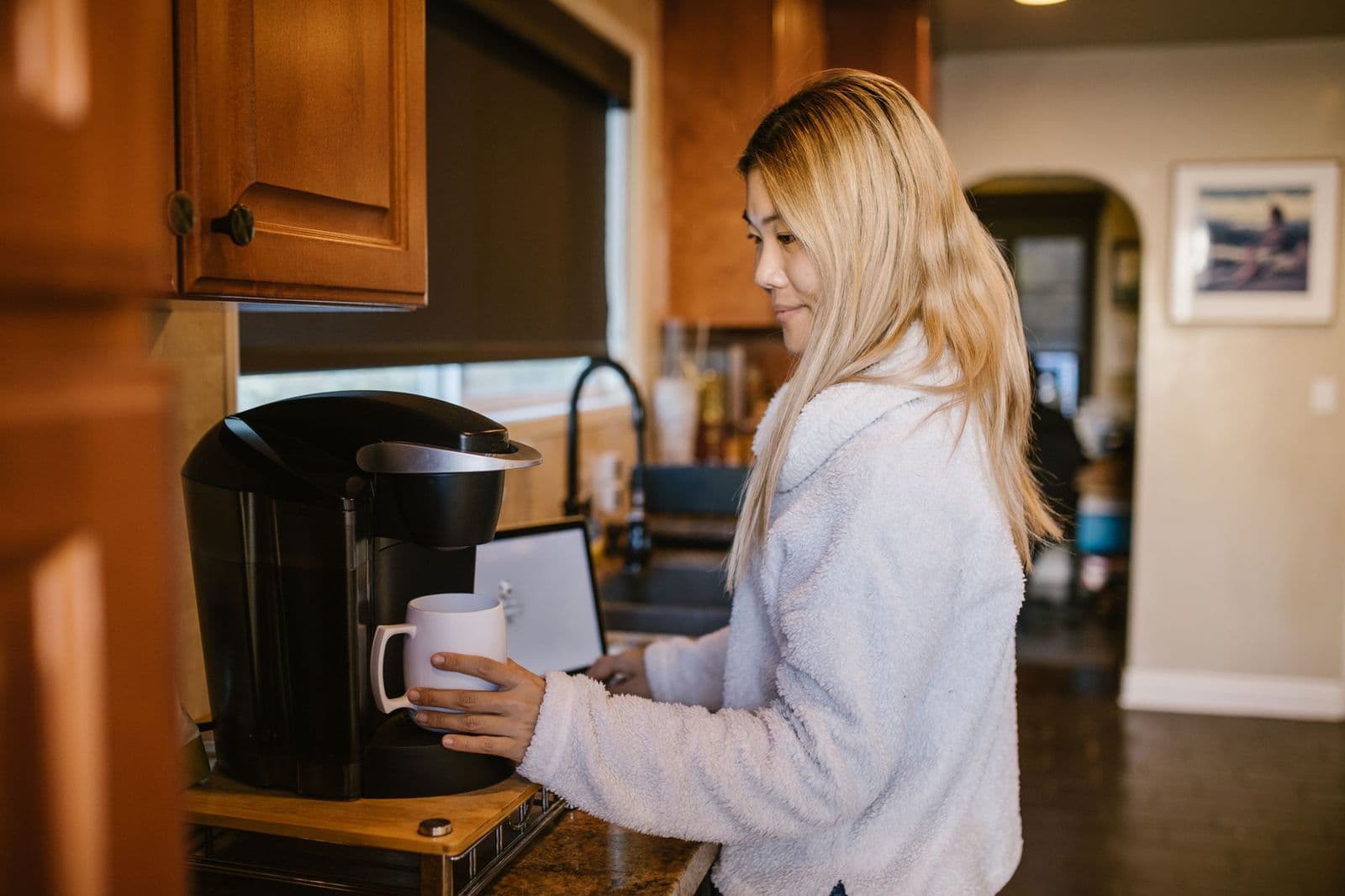
Keurig not pumping water even with a full tank? Safe checks for the reservoir, valve, filter, air, scale and needles, in order.
A Keurig not pumping water usually announces itself with a hum or a click and then a trickle, a half cup or nothing at all, even though the reservoir is full. In most cases the cause sits between the reservoir and the brew head: a tank that is not seated, a blocked reservoir valve, an old water filter, trapped air, scale or clogged needles. This guide covers safe, manual-approved checks for Keurig single-serve and dual brewers, in the order most likely to help.
Keep your brewer's model name and manual nearby. Keurig models differ in reservoir design, filters and alerts, so the manual is the final word on any cleaning step or button sequence.
Start Here: Safe Checks and the Main Next Step
First, note what you see and hear: does the brewer hum with no water, deliver a few ounces, or sputter? Is a light on or flashing? Did the problem start after descaling, after moving the brewer, after it sat unused, or after you changed the water filter? These details point straight to the likely cause.
The main next step is to reset the water path. Turn the brewer off and unplug it, lift the reservoir off, rinse it and its bottom valve, refill it above the minimum line and set it back firmly so it sits flat. Plug the brewer in and run a plain water brew with no pod into a large mug.
Stop and unplug the brewer if water leaks from the base, you smell burning, see smoke, find a damaged cord or the brewer trips a breaker. Do not keep running it in those cases; contact Keurig support. Never open the housing or try to reach the pump.
Water Supply, Seating, and Flow
When It Happens
Timing helps. If water never moves from the first second, focus on the reservoir, its valve and its seating. If water flows briefly and then stops, think about trapped air, a filter restricting flow or scale. If water flows well with no pod but poorly with a pod, the needles or the pod are the more likely cause, which our guide to Keurig not brewing covers in detail.
Frequency matters too. A brewer that pumps fine most mornings but fails after sitting unused for a few days may be trapping air or collecting debris at the valve, while one that gets slower week by week is more likely building scale.
What You Can Observe
Watch the reservoir during a brew. If the water level does not drop at all, water is not leaving the tank. If the level drops but little reaches the mug, water is moving but being slowed further along. Listen too: a steady pump sound with no flow suggests a blockage or air, while silence suggests power or controls.
Check the mug as well. Water that comes out cooler than usual, or in spurts, suggests the brewer is struggling to move a steady flow, which often points to scale or air rather than an empty tank.
What It Does Not Prove
A hum without water does not prove the pump has failed. Many brewers make that sound when the reservoir is not seated, the valve is blocked, or air is trapped after the tank was removed. Scale and clogged needles can mimic a pump problem too, so work through the simple checks before concluding the brewer needs repair.
Change one thing at a time and run a plain water brew after each change. That way, when the flow returns, you know which step fixed it and what to watch for next time.
External Checks Before Any Cleaning Cycle
Power and Correct Assembly
Plug the brewer directly into a working wall outlet and confirm it is on and ready, not in an auto-off state. Seat the reservoir firmly: on many Keurigs, a tank that sits even slightly high will not open its valve, so press it down evenly until it rests flat. Make sure the drip tray and pod holder are fully in place and the handle closes completely.
Look at the reservoir itself while it is off. Cracks, a warped base or a missing seal can stop it from sealing against the brewer, and Keurig sells replacement reservoirs for many models. Swapping a damaged tank is far safer than any internal repair.
Coffee, Water, and Mode
Fill with fresh water above the minimum line and avoid overfilling past the maximum. Very cold water straight from the fridge is fine for most brewers, but a brewer moved from a cold car or garage should reach room temperature before use. On a K-Duo, confirm the side you selected; the single-cup and carafe sides share one reservoir but are selected separately.
User-Accessible Components
Look at the reservoir's bottom valve, the water filter holder and cartridge, and the area where the reservoir meets the base. Rinse the reservoir and valve, check the base connection for debris or scale, and inspect the filter holder for correct seating. Your manual shows which parts are removable and how they fit.
If you recently installed a new water filter cartridge, check that it is the type your manual specifies and that it was soaked or rinsed as the instructions describe. A dry or wrong cartridge can hold air and slow the first few brews.
Keurig Not Pumping Water: Possible Causes and Manual-Approved Checks
Input or Setting Mismatch
Sometimes the brewer is simply waiting. A reservoir below the minimum line, a size larger than the water available, or a handle that is not fully closed can stop the pump from running a full cycle. Choose a smaller size, top up the reservoir and close the handle firmly before trying again.
Pods and reusable filters can also restrict flow enough to look like a pumping problem. Try a plain water brew with no pod. If water flows freely without a pod but not with one, the problem is the pod, the reusable filter or the needles, not the water supply. MultiStream brewers need reusable cups made for their needle design.
Accessible Residue or Incorrect Seating
The reservoir valve is a common culprit. A grain of coffee, a bit of scale or a stuck seal can keep it from opening when the tank is seated. Rinse the valve area under running water and check that nothing blocks it, then reseat the tank firmly. Also check the water filter holder: if it is not pushed fully down or the cartridge is the wrong type, it can restrict flow.
Air can be trapped in the water line after the reservoir has been removed, after descaling or after the brewer sat empty. Running several plain water brews with a full, properly seated reservoir often clears it; some manuals describe a specific priming step, so follow your manual if it does. Clogged entrance or exit needles can also choke flow; clean them with the brewer unplugged using the method your manual describes.
Maintenance State
Mineral scale builds up in brewers used with hard water and can narrow internal passages, slowing water until the brewer seems not to pump. If your brewer shows a descale reminder, as models such as the K-Elite do, or it has been a long time since the last descale, run a full descale with a Keurig-approved solution following your manual, then rinse with plain water as directed. Our guide on how to descale a coffee maker explains the process.
Water filter cartridges need replacing on schedule. An old or clogged cartridge can slow water on its way out of the reservoir. Replace it, or run the brewer without it if your manual allows, and see whether the flow returns. Our coffee maker maintenance guide covers routine care.
When the Cause May Need Service
If water still does not move after reseating, valve and filter checks, several plain water brews, needle cleaning per the manual and a completed descale, the problem may be internal, such as the pump or a blocked internal line. Repeated hums with no flow, unusual noises or water appearing under the brewer are signs to stop.
Internal parts are not user-serviceable, and opening the brewer can be unsafe. Contact Keurig support with your model details and the steps you tried, and ask whether the brewer is still under warranty.
Model-Specific Alerts and Next Steps
Keurig brewers report water problems in different ways. Some show an add-water light or message, some show a descale reminder, and smart models such as the K-Supreme SMART may send notices through the Keurig app. The same light can mean different things on different models, and some models have no alert for low flow at all.
On brewers with a display, the message may change as you fix things, for example from an add-water notice to a ready state once the reservoir is seated correctly. Watching how the alert changes tells you which step mattered.
Look up any light or message in the manual for your exact model, follow its suggested step, and note the alert word for word if it persists. Keurig's support site lists manuals by brewer name. For other symptoms, use our Keurig coffee maker troubleshooting hub or the general coffee maker troubleshooting guide.
When to Contact Support or Consider Replacement
Contact Keurig support right away if you see leaks from the base, smoke, a burning smell, a damaged cord or a tripped breaker. Contact support too when water still will not flow after every manual-approved check, or if you are unsure whether a step is allowed under warranty.
Before you call, run one final plain water brew with a full, firmly seated reservoir and note exactly what happens. Support teams usually start with the same basics, and having done them saves time.
Consider replacement if repair is not offered or costs close to a new brewer, or if flow problems keep returning even with regular descaling. A brewer with a larger reservoir, an easy-to-reach valve or a maintenance reminder can make life easier next time. Our best Keurig coffee maker guide compares current models.
Preventing the Same Issue
Keep the water path clear with simple habits. Use fresh water and rinse the reservoir and its valve weekly. Replace water filter cartridges on schedule, descale when the manual or reminder says to, and avoid letting the brewer sit empty for long periods. After removing the reservoir, reseat it firmly and run a plain water brew before your next coffee.
If you live in a hard-water area, expect to descale more often than someone with soft water. Filtered water can reduce scale buildup, but follow your manual on which water types it recommends.
Frequently Asked Questions
Should I keep restarting the machine?
No. One reset with the reservoir removed, rinsed and reseated is worth trying. If water still does not flow, move on to the filter, needle and descaling steps, then contact support.
Will descaling fix every symptom?
No. Descaling clears mineral buildup that slows flow. It will not fix a reservoir that is not seated, a blocked valve, a wrong filter, clogged needles or a failed pump.
What information should I give manufacturer support?
Give your model name, serial or date code, what you see and hear during a brew, any alert word for word, and every step you tried, including descaling and filter changes.
Your Next Step
To fix a Keurig not pumping water problem, start with the reservoir: remove it, rinse the valve, refill it and seat it firmly, then brew plain water. Next, check the water filter, run a few plain cycles to clear air, clean the needles as your manual describes and descale if scale is likely. If water still will not flow, stop and contact Keurig support with your notes.


