JURA Coffee Machine Not Working: Causes and Next Steps
Disclosure: We may earn a commission when you buy through links on this page, at no extra cost to you. As an Amazon Associate I earn from qualifying purchases. Learn more
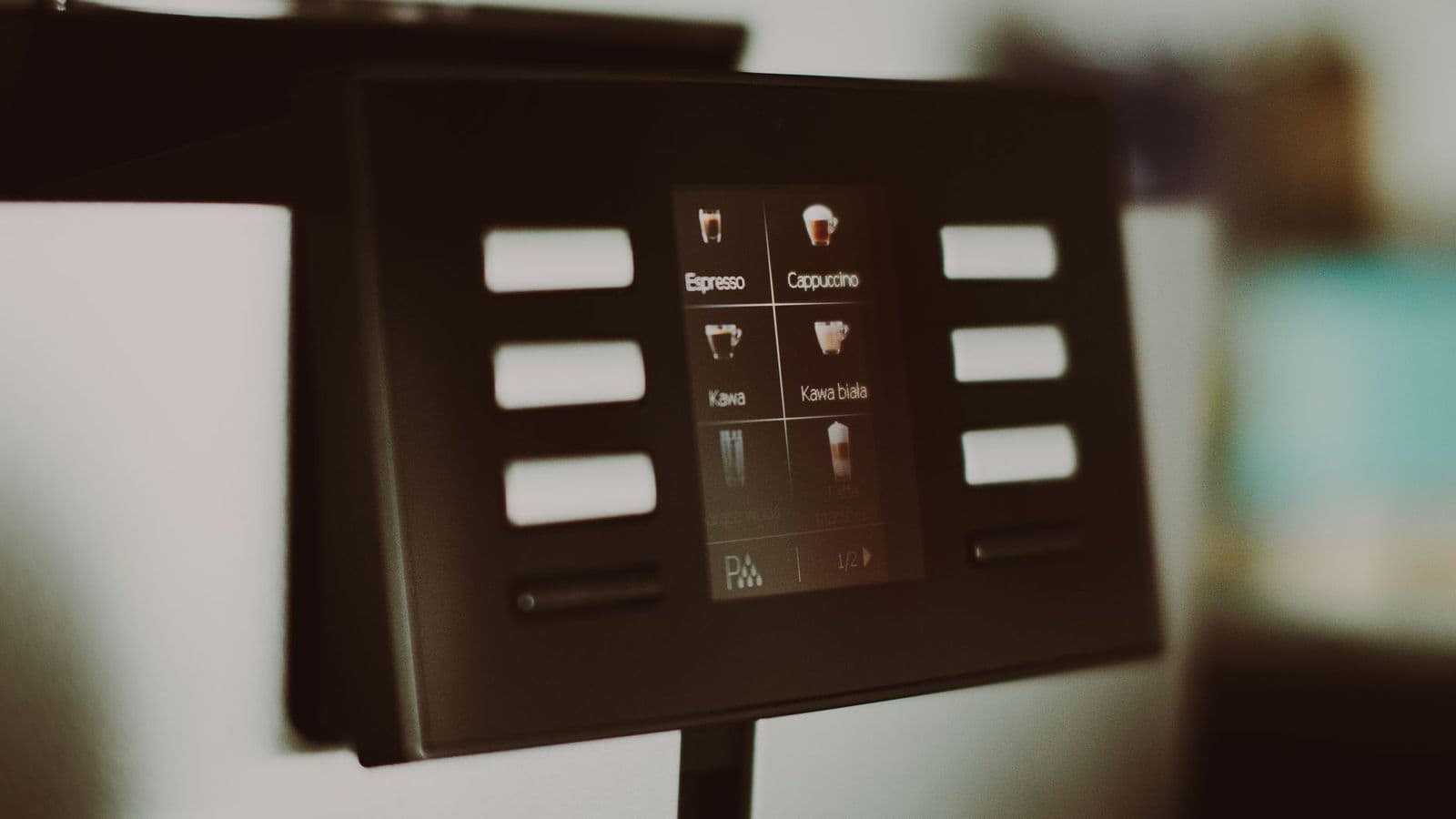
JURA coffee machine not working: a troubleshooting hub with safe checks by symptom and links to detailed fixes.
A JURA coffee machine not working can mean very different things: no power at all, no coffee flowing, coffee that is not hot, milk that will not froth, or a grinder that stays silent. This troubleshooting hub helps owners of JURA automatic machines, from the compact C and ENA models to the E, S, J and Z ranges, identify which symptom they have, run the safe checks first and jump to the detailed guide for that problem.
Start by noting your model name and code from the type plate or manual, plus the exact message on the display. Those two details decide which steps apply and save time if you need JURA support.
Start Here: Safe Checks and the Main Next Step
Record the display message and when the issue begins. Did it start after a refill, after cleaning, after a power cut, or out of nowhere? Is it every drink or only milk drinks? A one-line note now makes every later step faster.
Then do the universal checks: the machine is plugged into a working outlet and switched on with its normal controls, the water tank is full and seated, the grounds container and drip tray are empty and fully inserted, and there are beans in the hopper. Respond to any prompt using only the steps in your manual.
Stop using the machine and contact JURA support if you see visible cord damage, smoke, a burning smell, persistent electrical faults or water reaching electrical parts. Do not open the housing or try internal checks. For every other case, the main next step is to match your symptom to the right section below.
Start with the Observable Symptom
When It Happens
Write down when the problem appears and what you were doing. A machine that fails at switch-on points to power, heating or start-up rinsing. One that fails after a few drinks often points to a full grounds container or drip tray. One that fails only on milk drinks points to the milk system, and one that fails after cleaning points to a part that is not seated.
Note the exact wording of any message, including capital letters or symbols, and whether it appears every time. JURA's wording changes between models and software versions, so the precise text matters when you look it up.
If more than one person uses the machine, ask them what they saw. Someone may have changed a setting, refilled the tank without seating it, or started a cleaning program and stopped halfway. Those details often explain a JURA coffee machine not working far better than guesswork.
What You Can Observe
Separate the symptom into one of five groups before you try anything else:
- No power: the display stays dark and nothing responds.
- No flow: the machine runs or grinds but no coffee comes out.
- Poor temperature: coffee comes out but is not hot enough.
- Milk: coffee is fine but milk will not draw or froth.
- Grinding: the grinder is silent or labors, or the machine asks for beans when the hopper is full.
Each group has different safe checks. Picking the right group first stops you from running cleaning or descaling programs that cannot help.
What It Does Not Prove
One symptom rarely proves a specific internal failure. A dark display may be a switched-off outlet, no flow may be an unseated tank, and weak froth may be a loose milk tube. Treat the symptom as a starting point, not a diagnosis.
Use the symptom links in this hub instead of trying every fix at once. The detailed guides cover milk, grinding and brewing problems step by step.
External Checks Before Any Cleaning Cycle
Power and Correct Assembly
For a dark display, check the outlet with another appliance, plug the machine directly into the wall rather than a power strip, and confirm the main power switch, if your model has one, is on. Then press the normal on button and wait for heating and rinsing.
For any other symptom, check that the water tank, grounds container, drip tray, coffee spout and milk parts are fitted exactly as the manual shows. JURA machines detect several of these parts and may refuse to brew if one is missing or out of place.
Coffee, Water, and Mode
Fill the tank with fresh, cold water and seat it firmly. Refill or settle the beans so they sit over the grinder. Make sure you selected the drink you intended: a coffee specialty for coffee, a milk specialty for milk drinks, and not a preground or hot water option by mistake.
On models with an optional preground chute, such as the E6 and ENA 8, check that the preground function has not been selected without adding coffee. Read every alert before trying again.
User-Accessible Components
Inspect and clean only the parts your manual lists as user-serviceable: water tank, grounds container, drip tray, coffee spout, milk spout, milk tube and milk container. Empty, rinse and dry them as directed, then refit until they click into place.
Do not remove covers that need tools, reach into the grinder or brew area, or use household cleaners the manual does not approve. Anything beyond the user parts is a job for JURA support.
Keep the manual within reach while you work. JURA manuals show how each user part comes apart and goes back together, and following those pictures avoids the most common reassembly mistakes, such as a spout piece fitted backward or a tray not pushed past its stop.
JURA Coffee Machine Not Working: Possible Causes and Manual-Approved Checks
Input or Setting Mismatch
Many "not working" reports are input or setting issues: an empty or unseated tank, bridged or missing beans, a milk tube out of the milk, or a drink setting that someone changed. These stop the machine from working as expected without anything being broken.
What supports this possibility: the display shows a water, bean or container message, or the problem began after a refill or a settings change. The check is to reseat the tank, settle the beans, reconnect the milk tube and choose a standard drink. If you have a no-froth problem, our guide to a JURA coffee machine not frothing milk goes deeper; for a silent grinder, see JURA coffee machine not grinding.
On two-hopper machines like the J8 twin, check the drink uses the hopper that has beans. On programmable machines like the E6, check that strength, volume, temperature and milk foam settings are where you expect.
Accessible Residue or Incorrect Seating
Coffee grounds, milk residue and parts that are not fully seated cause a large share of everyday problems. A full grounds container, a drip tray pushed in at an angle or a milk spout reassembled out of order can each stop a drink.
What supports this possibility: the problem started after cleaning or after several drinks in a row, a container message appears, or a part feels loose. The model-approved check is to empty and dry the grounds container and drip tray, rinse the coffee and milk spouts as the manual shows, and refit everything firmly. If the machine grinds but no coffee flows, our guide to a JURA coffee machine not making coffee covers that case.
Maintenance State
JURA machines track brew system cleaning, milk system cleaning, descaling and, on models with filters, filter changes. When a task is due, the machine may slow down, show a prompt or stop preparing drinks until you complete it.
Run only the program the machine asks for, using JURA cleaning tablets, milk system cleaner, descaling tablets or a new filter cartridge as the manual directs. Do not stack extra programs the machine has not requested. Our JURA water filter guide explains how filters fit in, and the JURA coffee machine maintenance guide covers the full schedule.
Poor coffee temperature belongs here too. Before blaming the heater, make sure the machine has finished heating, the cups are not cold, and any pending descaling has been completed. Some models, such as the E6, list programmable coffee temperature, so check the settings described in your manual.
When the Cause May Need Service
External checks have limits. If the display stays dark with a working outlet, if no coffee flows after all checks, if the grinder labors or makes unusual noises, if you see leaks inside or under the machine, or if an error message keeps returning, the cause may be internal.
Stop retrying at that point. Repeated restarts and cleaning cycles rarely help once the basics are covered, and they can hide useful information. Note what you observed and contact JURA support without opening the machine.
Model-Specific Alerts and Next Steps
JURA message wording depends on the model, generation and software, so look up each message in the manual for your model code and never borrow button sequences or reset procedures from another machine. If you own an E8, our JURA E8 troubleshooting guide covers that model in more detail. The table groups the main prompt types across models.
| Type of message | Documented meaning (check your manual) | Permitted user step | Stop and contact support if |
|---|---|---|---|
| Water tank prompt | Tank empty or not detected | Refill and reseat | Prompt stays with a full, seated tank |
| Grounds container or drip tray prompt | Full or missing | Empty, dry and refit | Prompt stays after correct refit |
| Bean prompt | Beans low or not feeding | Refill or settle beans | Grinder labors or runs without coffee |
| Milk system prompt | Milk cleaning or rinse due | Run the milk system program | Milk still will not draw after cleaning |
| Cleaning, descaling or filter prompt | Maintenance due | Run the requested program with JURA supplies | Program will not start or complete |
| Unfamiliar or error message | Varies by model | Look it up for your model code | Message persists or indicates a fault |
When to Contact Support or Consider Replacement
Contact JURA support when the machine still does not work after the checks for your symptom, when error messages persist, or when you see leaks, smell burning or notice electrical issues. Prepare your model name and number, purchase date, the exact message and a short list of what you have already tried.
Check your warranty and JURA's US service options before considering replacement. Most everyday problems are solved with readiness checks, cleaning or a replacement user part, so a new machine is rarely the first answer.
If support quotes a costly repair on an older machine, weigh it against the machine's value. Our best JURA coffee machine guide covers current models if replacement becomes the sensible choice.
Preventing the Same Issue
Keep water and beans topped up, empty the grounds container and drip tray when prompted, rinse the milk system after each milk drink and respond to cleaning, descaling and filter prompts promptly. Use beans and supplies your manual recommends.
A written routine helps; our JURA coffee machine maintenance guide sets one out. Regular care reduces problems, but no routine can prevent every fault.
Frequently Asked Questions
Should I keep restarting the machine?
No, one normal restart is enough. If the problem continues, identify your symptom group and follow the matching checks. Repeated restarts rarely fix the cause and can clear messages that JURA support would find useful.
Will descaling fix every symptom?
No. Descaling removes mineral scale when the machine asks for it, but it does not fix power issues, unseated parts, bridged beans or milk residue. Run it only when prompted, after the basic checks for your symptom.
What information should I give manufacturer support?
Give your model name and number, purchase date, the exact display message, when the problem started and which symptom group it fits. List the checks and cleaning programs you completed so support can move straight to the next step.
Your Next Step
If your JURA coffee machine not working problem is still unclear, start by recording the message, checking power, water, beans and containers, and matching the symptom to one of the five groups above. Then follow the detailed guide for that symptom, and contact JURA support if every manual-approved step fails. Keep the machine healthy with our JURA coffee machine maintenance guide.